Your blocks set the shape · precise control, not luck
Build it in blocks.
The model comes out the same way.
Stack blocks for a few minutes — the AI only finishes the job. Proportions, pose and where each part sits all follow what you built. Export straight into your engine.
Sign up and get 15 credits — enough for one tier-1 prop end to end: blocks → sheets → model → download.
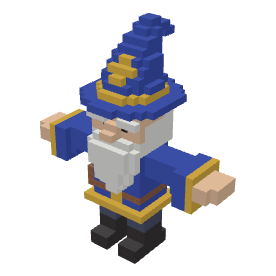 Drag to rotate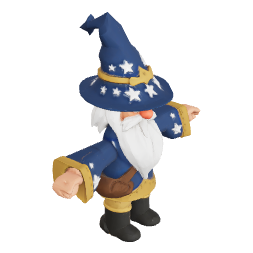
- 13
- 3D engines behind one pipeline — re-run the same blocks on any of them
- 20 + 42
- Mixamo bones and CC0 clips; rigging from your blocks costs nothing
- 96 + 103
- block-out and pixel-sketch templates, so you never start from one cube
- 3 credits
- one tier-1 model, about $0.08
All of it actually came out of here
One pipeline, one studio light rig. Every piece below is a finished asset generated in the app.
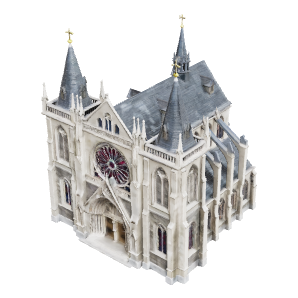
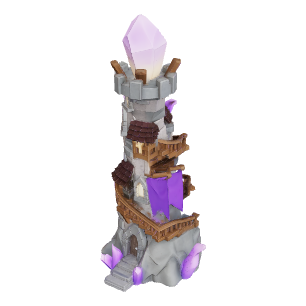

Each plate says what it is, which engine made it, and how many blocks it started from. No hero renders, no borrowed assets.
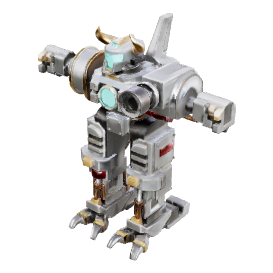
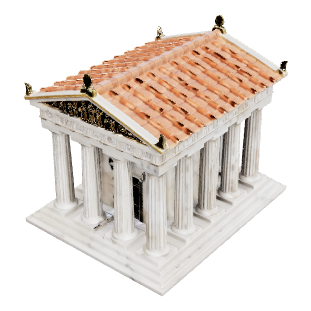
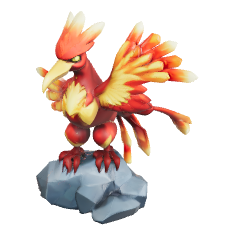
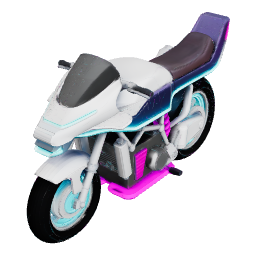
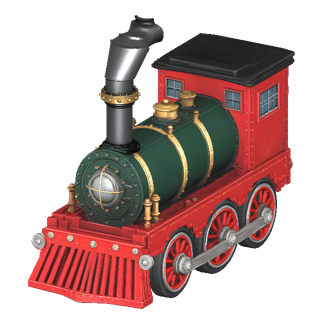
01 · Swap the engine, keep the blocks
Not happy? You don't rebuild.
13 3D engines behind one pipeline. Build the blocks once; re-run on another engine and you get another finish — that's the pair here.
- Four views and a depth map go together
- Your part tags ride along with the job
- A view drawn at the wrong angle is repainted
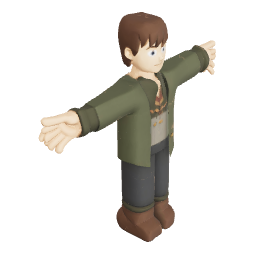
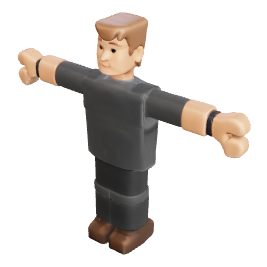
One resource, one block-out, engine swapped. Multi-view engines even reuse the same sheets; single-image engines take the 3/4 view and repaint one.
13 connected · 7 of them run end-to-end and checked for facing and texture
Tag the parts once; the skeleton and the wheels follow
Click a few blocks to tag the head, hands and feet: the model comes back with 20 Mixamo bones and 42 CC0 clips, walking, running and jumping right in the browser, for no credits. Tag wheels on a vehicle instead and their centre and radius are measured off the mesh, so they spin without wobbling. AI auto-rigging is the other, paid path: 21 credits.
Mixamo naming, so humanoid retargeting in Unity, Unreal and Blender picks it up directly. Export GLB / OBJ / FBX.
02 · One-click de-AI
Scrape the AI look off the model
Bloated triangle counts, pitted edges, lighting baked into the texture — that's the AI look. One click, five passes, scraped off; the rig and the clips still play.
- 1Remove floating debris
- 2Solve out the baked lighting
- 3Cut to the triangle budget
- 4Redo the texture for the style
- 5Turn the material matte
1 credit for props / weapons / tiles, 2 for plants / vehicles / buildings, 3 for characters / creatures; free for members. A project page can also treat every model in a project at once and unify the style.
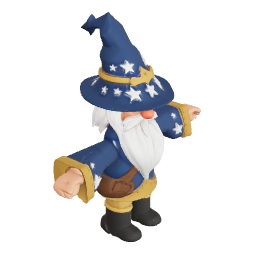
If you can't tell the difference, that's the point.
| Measured sample | Before | After |
|---|---|---|
| Triangles | 75,164 | 19,996 |
| File size | 3.9 MB | 1.8 MB |
| Time | — | 1.9 s |
A measured sample; results differ per model. Skeleton and animation are kept as they were.
03 · Built-in editors
Keep editing models and images on the site
Sculpt, deform and texture a model; layer, select and blend an image. Saving makes a new version and leaves the original alone.
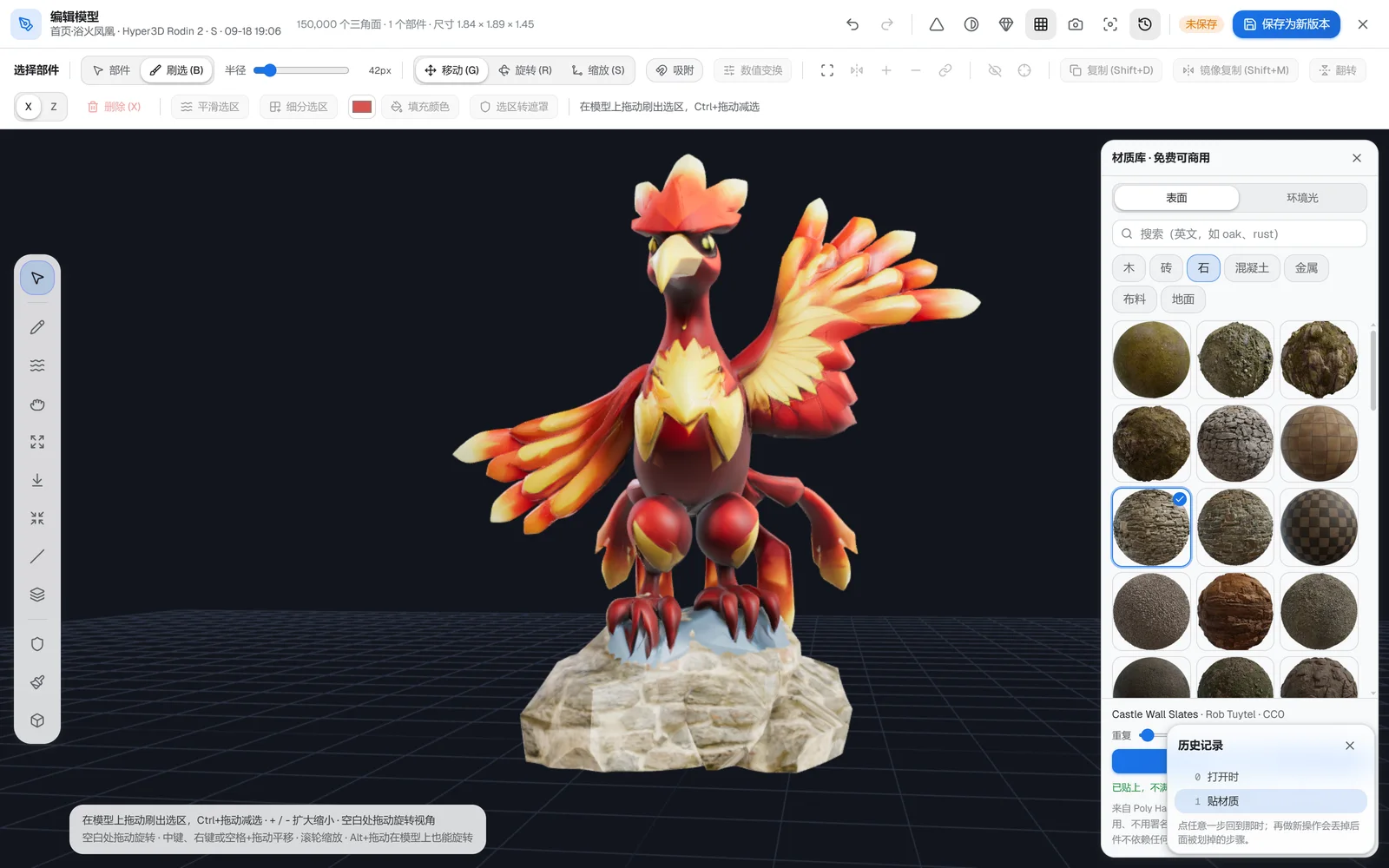
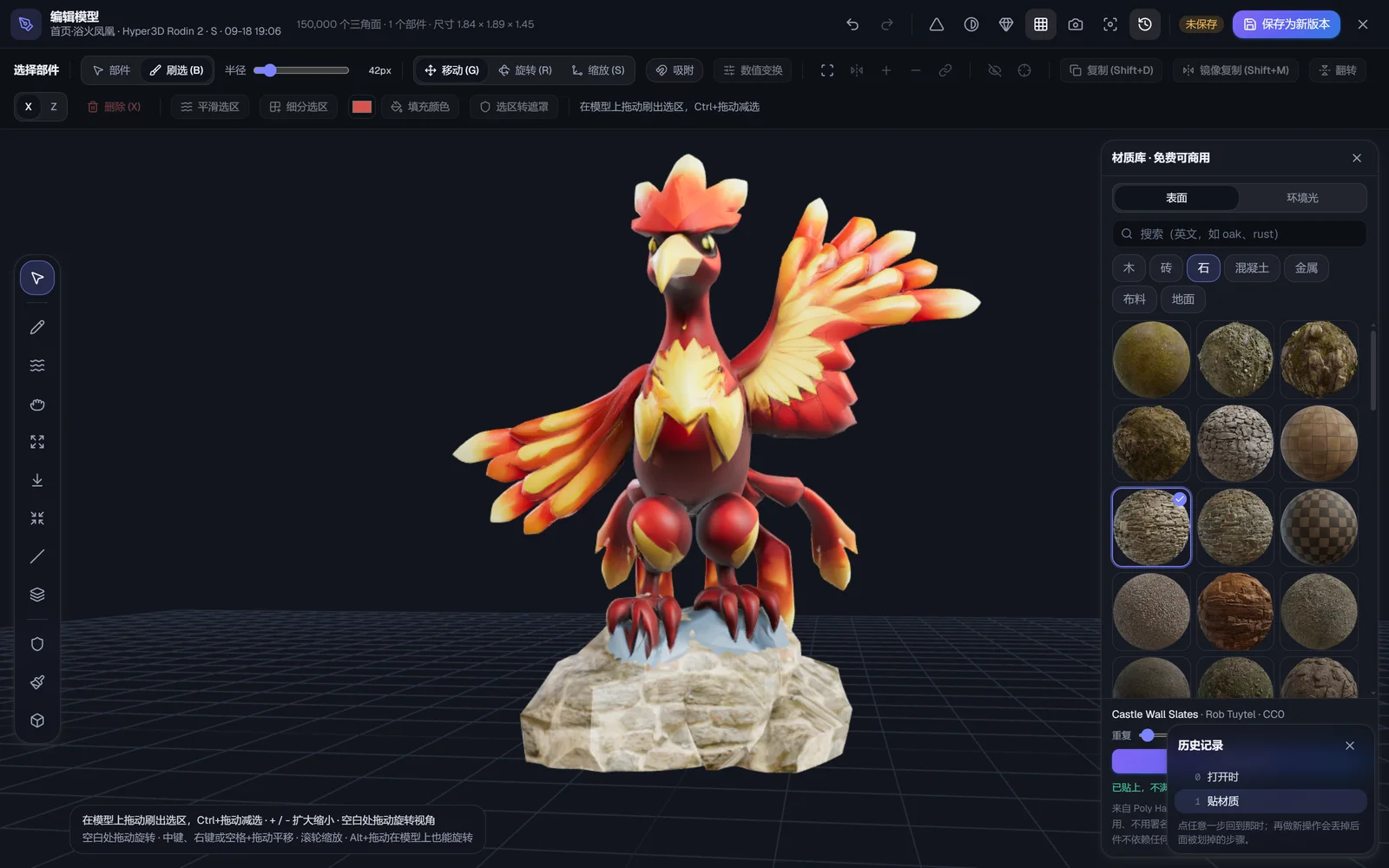
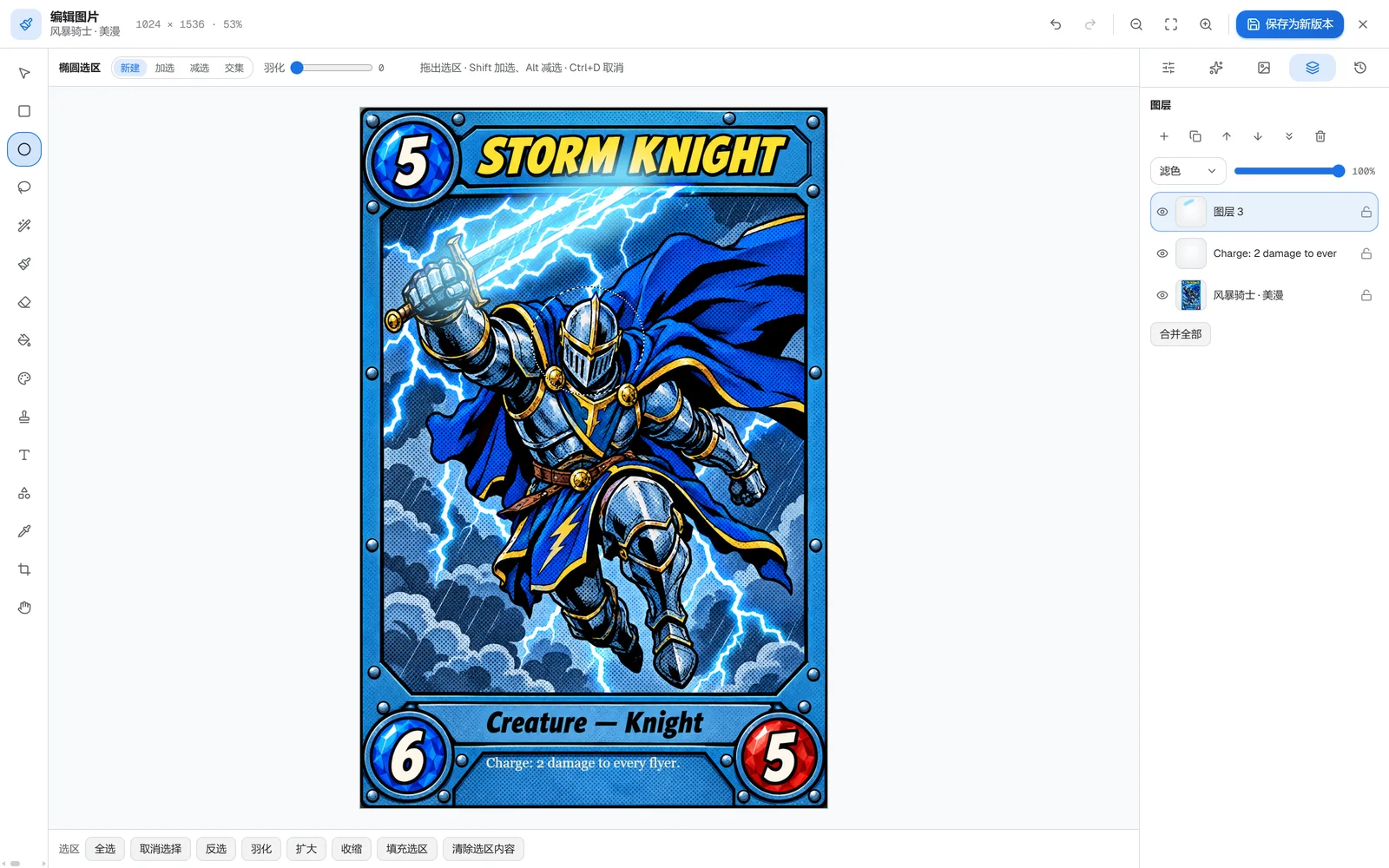
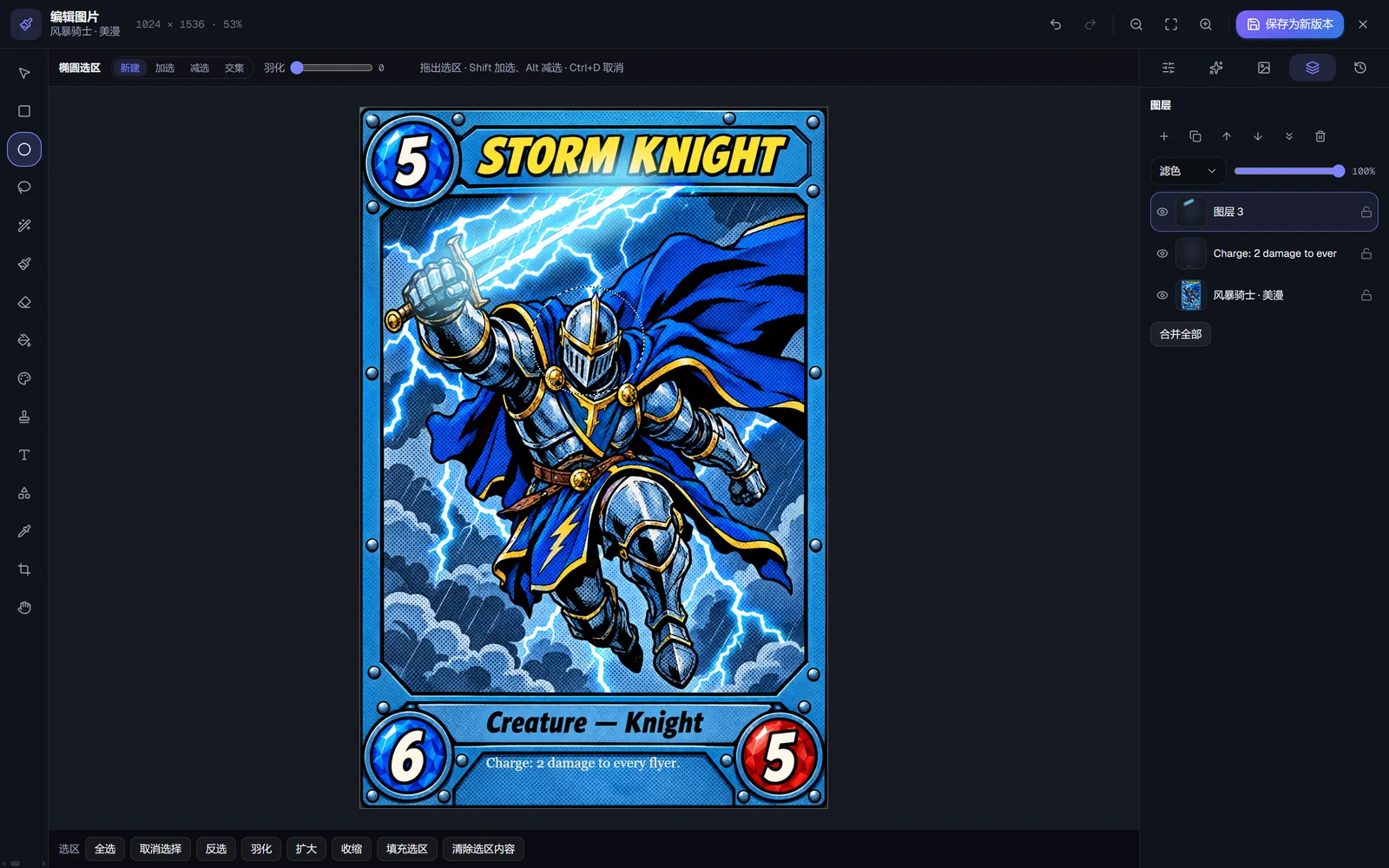
Shown in the pro mode, which is free.
04 · 2D assets
2D assets from sketches, one art style in one click
Characters, icons, backgrounds, seamless textures, tilesets, skyboxes and heightmaps. One click brings a whole project to one art style.

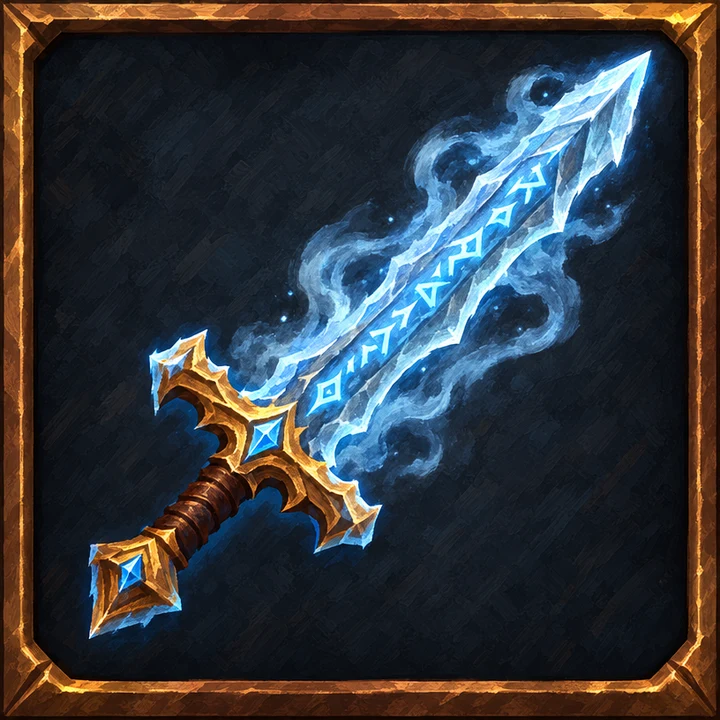

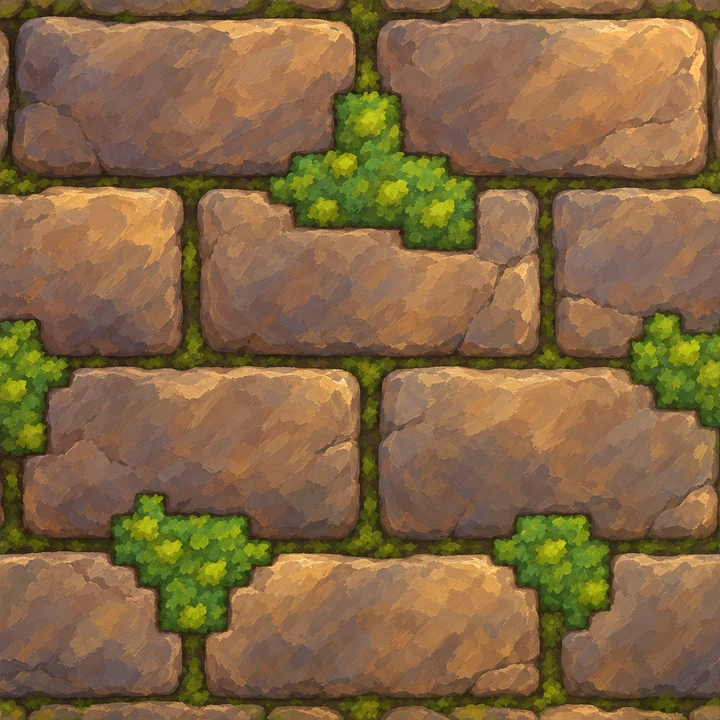
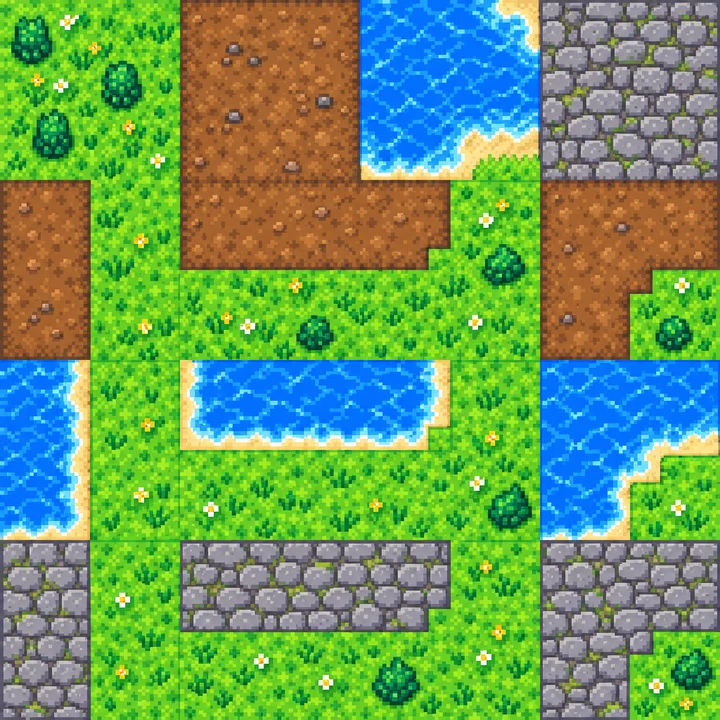

The project page's AI unify, from 5 credits per image. The offline mode is free and evens out palette and outlines only.
One price per tier, all in
No engine to pick. Tiers 1 to 15: where you stop the slider is the price, sheets and model included. Tier 1 is 3 credits (about $0.08); tier 15 is 94 credits. Characters, creatures and plants run on their own scale, starting at 6 credits.
Let your AI drive it
18 tools, one HTTP address. Claude Code, Cursor, VS Code — or any MCP client, Cherry Studio and ChatWise included, which reach DeepSeek and Doubao — can build models, rig them, de-AI them and pull the files. Same prices, same limits as the site.
How to connect →claude mcp add --transport http voxland https://voxland.app/api/mcpBlocking out the shape still happens in the browser — that's where the shape constraint comes from, and that part is yours.
Build one now
Sign up and get 15 credits — enough to take one tier-1 prop all the way: blocks, sheets, model, download. No card needed.
47 interface languages · 20 block materials · GLB / OBJ / FBX export