2D game asset generators
Each one starts from a sketch you draw on a pixel grid. The model keeps your layout and colours and paints the finished asset. Afterwards, one click brings a whole project to one art style, and the built-in editor handles the rest.
Vox Land's main thing is 3D: build it in blocks, and the AI makes the 3D model in that shape. See 3D from blocks

Characters and creatures, on a transparent background.
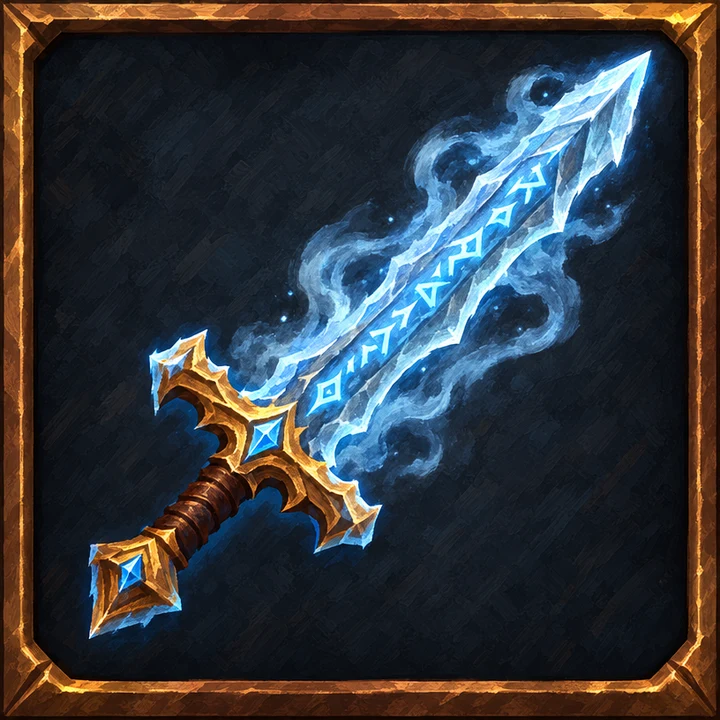
Items, loot and skill icons, on a transparent background.
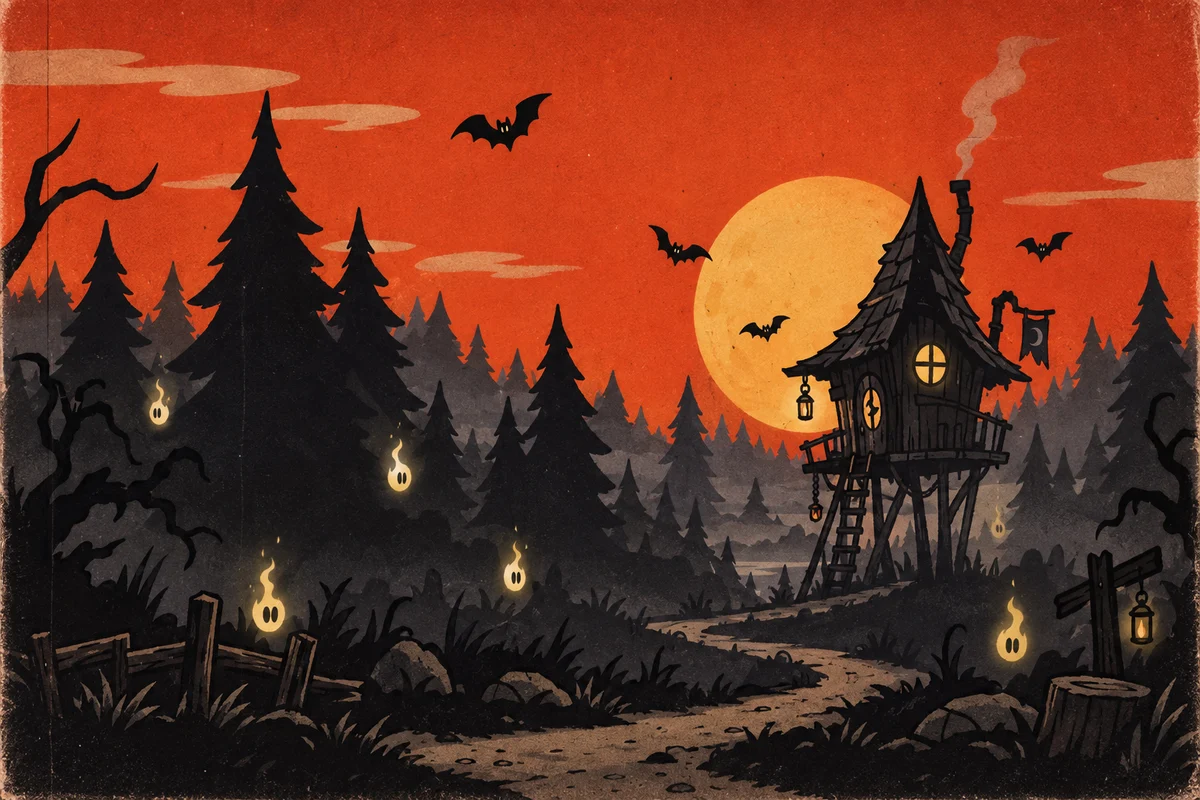
Level backdrops and scenery, in the layout you block in.
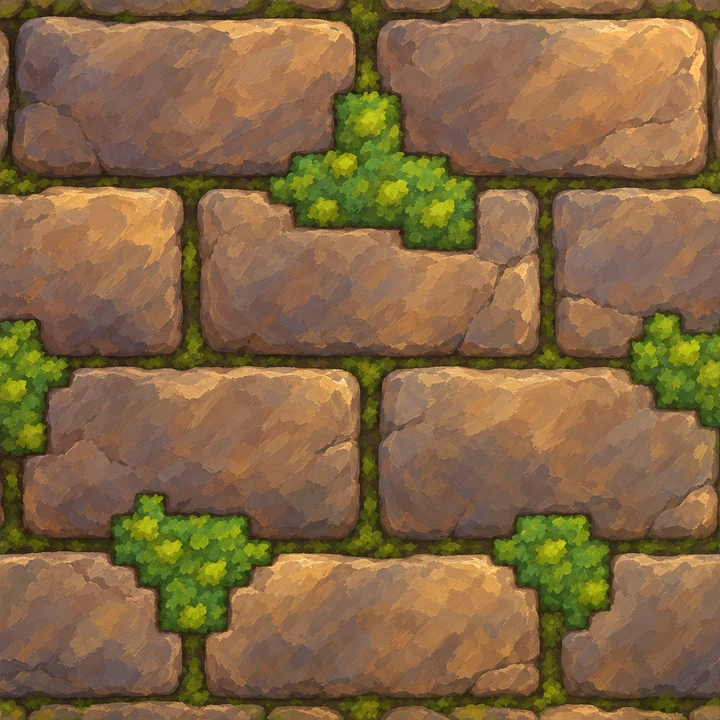
Stone, wood, brick, grass and more, made to repeat.
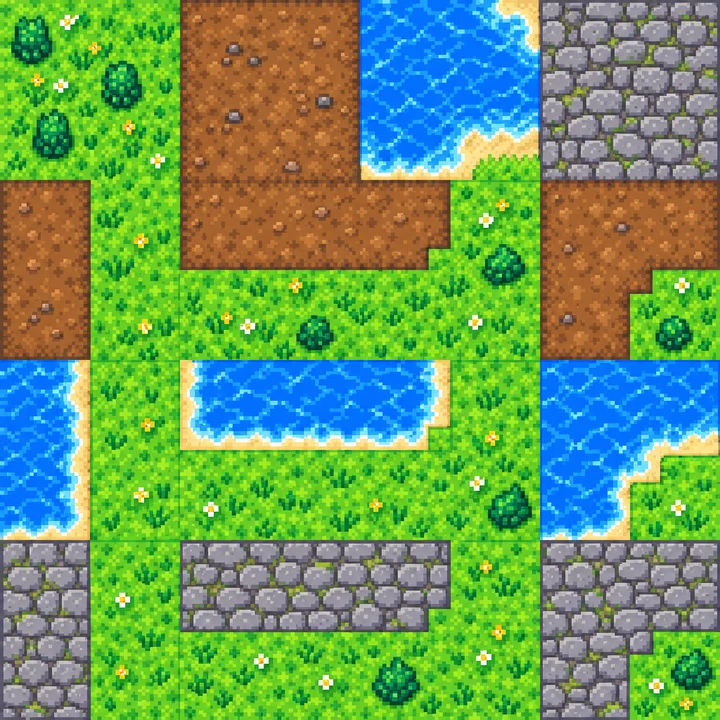
Terrain tiles on a regular grid, top-down, side-view or isometric.
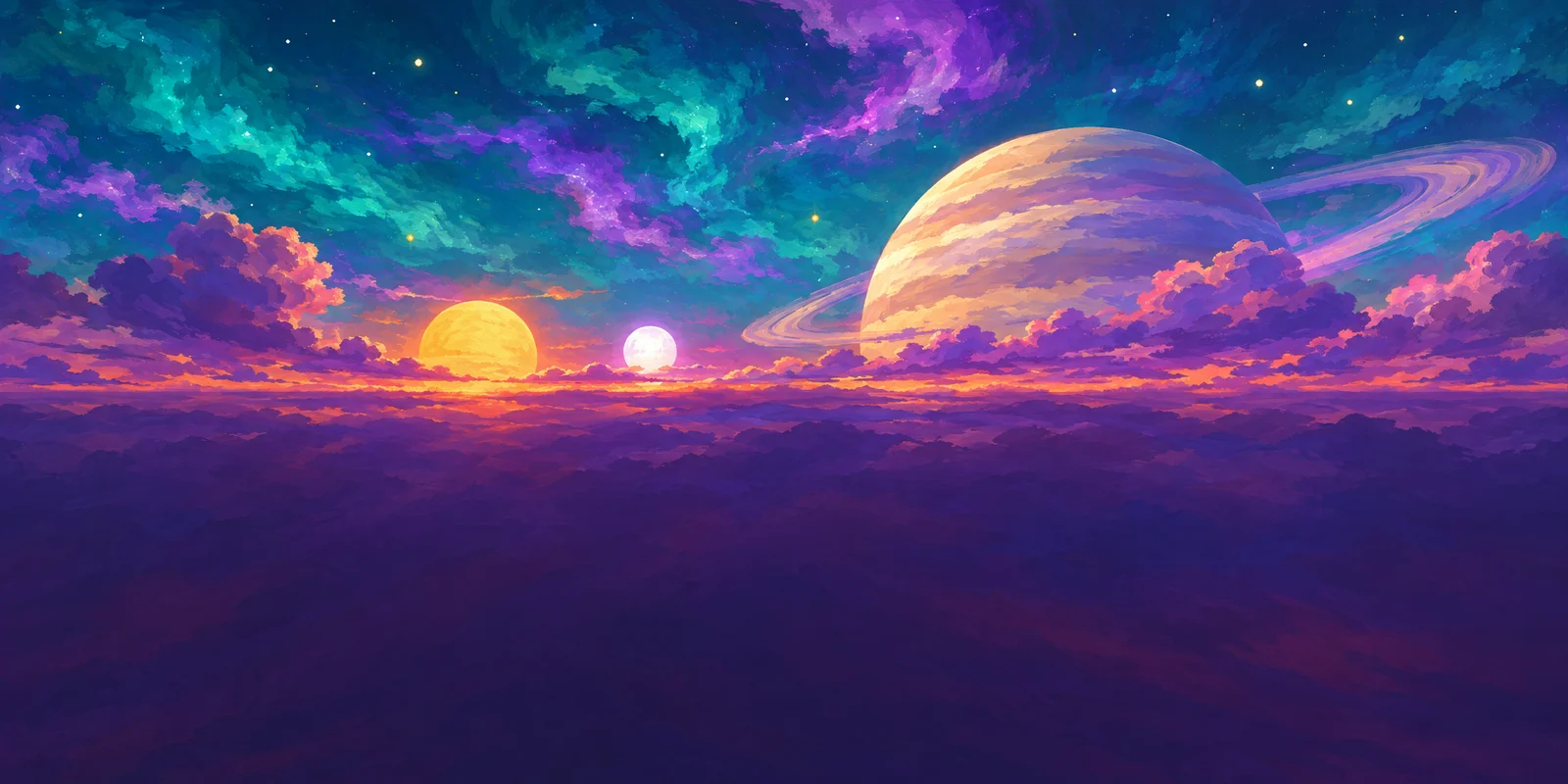
360° skies at 2:1, with edges that meet.
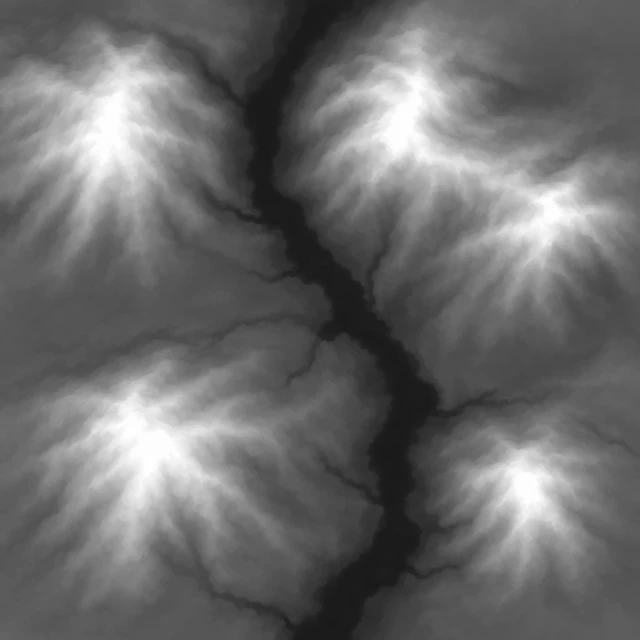
Grayscale terrain in one 16-bit channel.
Also in the workspace, without a page here yet: UI elements, VFX frame sheets and concept art.
After you generate
A built-in image editor
Open any result under “Edit assets”: layers with blend modes; rectangle, ellipse, lasso and magic-wand selections; levels, hue and temperature; filters, clone, text and a history panel. Saving adds a new version and the original stays. Layers, selections, clone, text and history are in the pro mode, which is free.
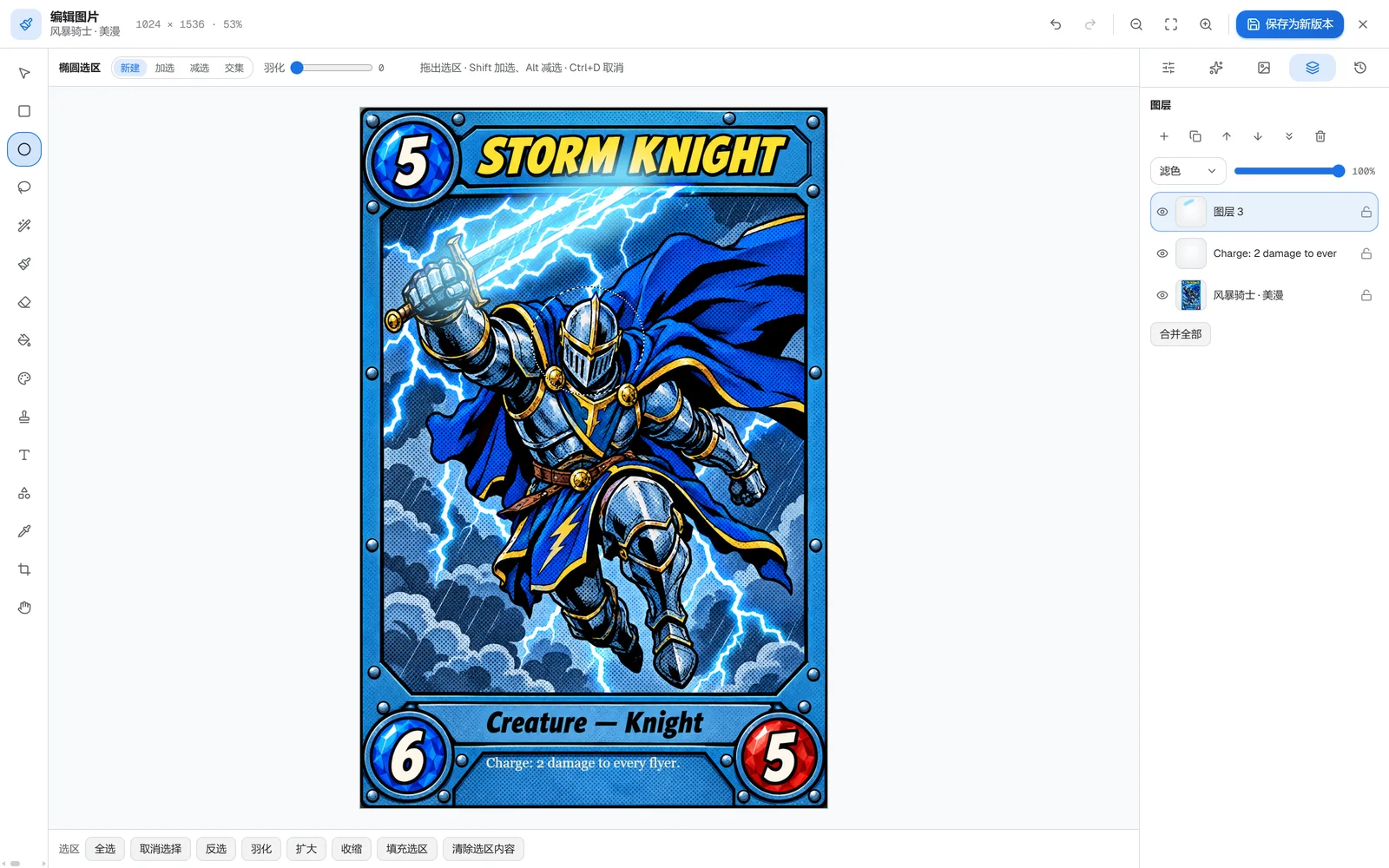
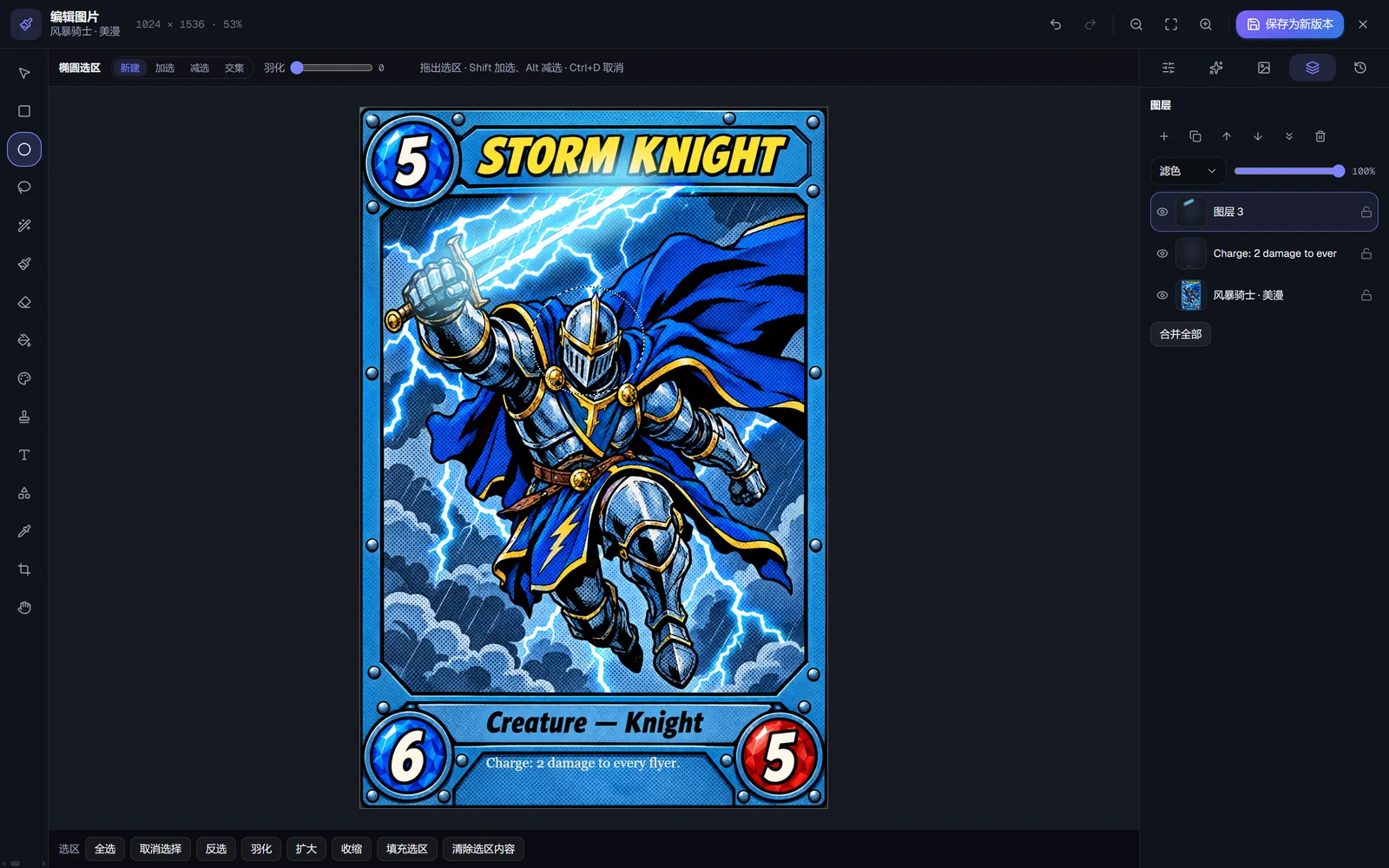
One-click style unification
Put the assets in one project and give it an art style. One click then repaints every 2D result in the project in that style, and runs the project's 3D models through the de-AI pass with it. The AI mode costs 5 credits or more per image, with the total shown before anything runs; the free offline mode evens out palette and outlines only.
Try it on your own sketch
New accounts get 15 free credits. No card needed.