Item icon
Game icon generator
Sketch the item on a small grid: the outline, and where the gold, the glass or the leather goes. Pick a style and get an icon on a transparent background, ready to scale down for your inventory.
New accounts get 15 free credits. No card needed. 4 credits per image with GPT Image 2.5 Flare (about $0.11); models that follow the sketch start at 1
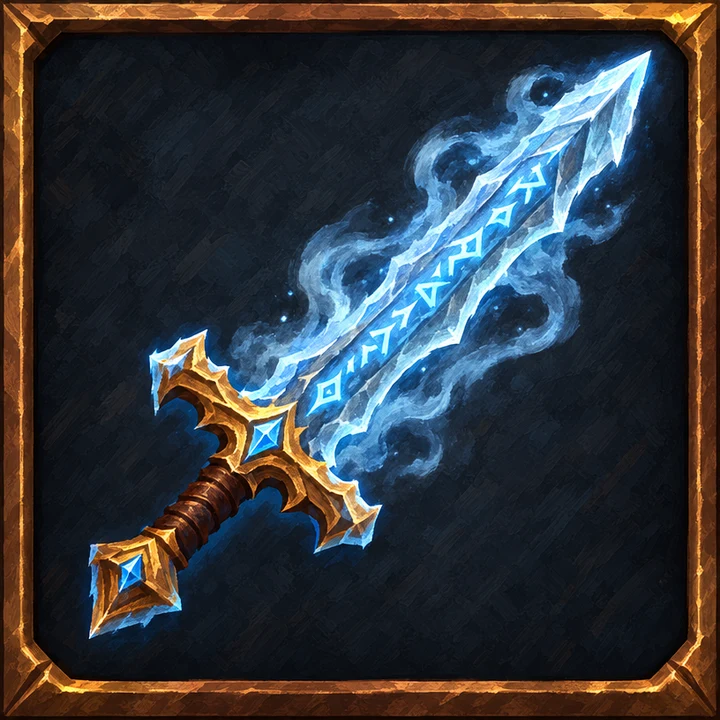
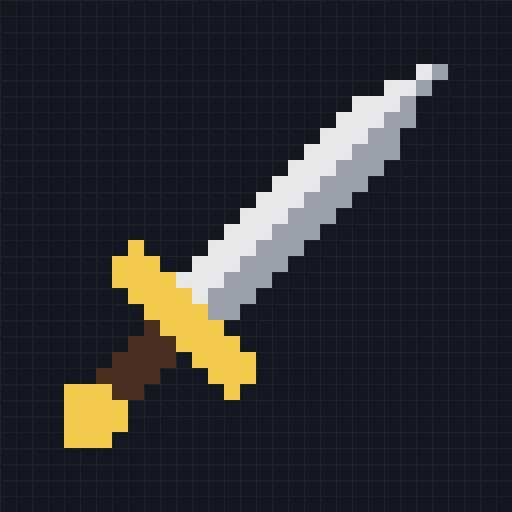
Sketch and result
Frost greatsword · Painterly · 32×32 sketch · GPT Image 2.5 Flare · 25 s
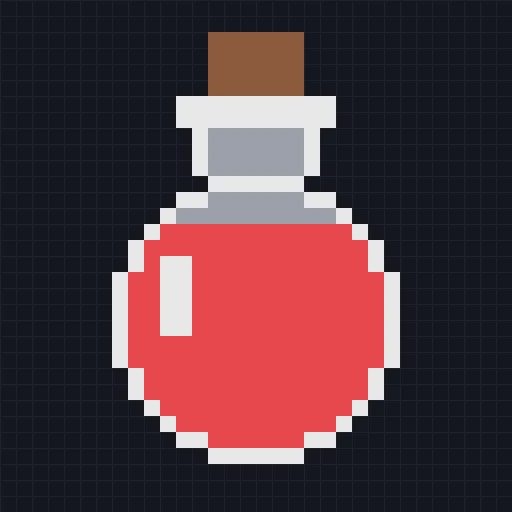
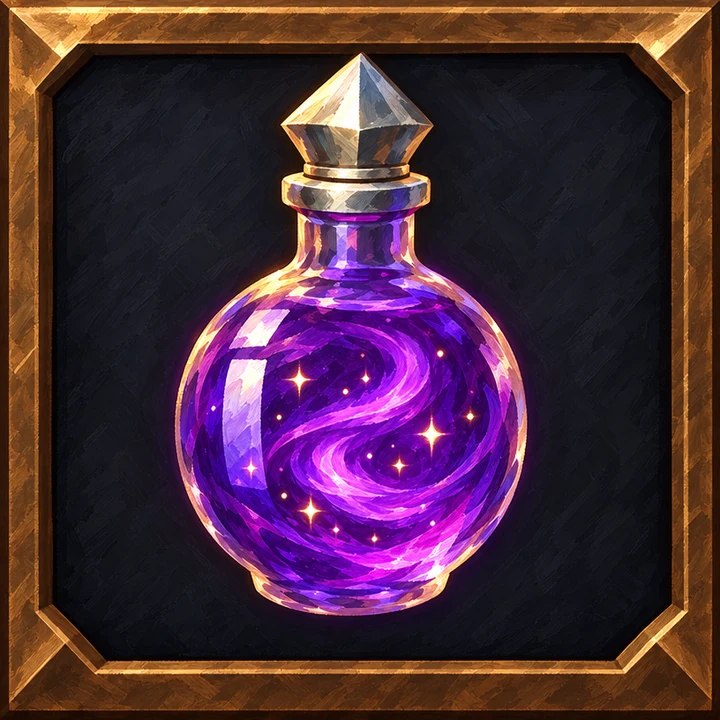
Starlight elixir · Painterly · 32×32 sketch · GPT Image 2.5 Flare · 24 s
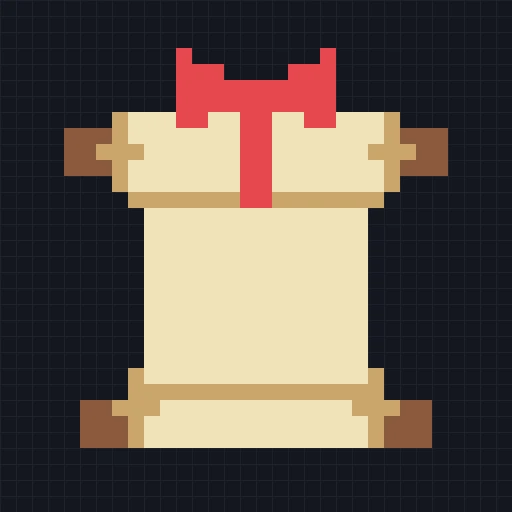
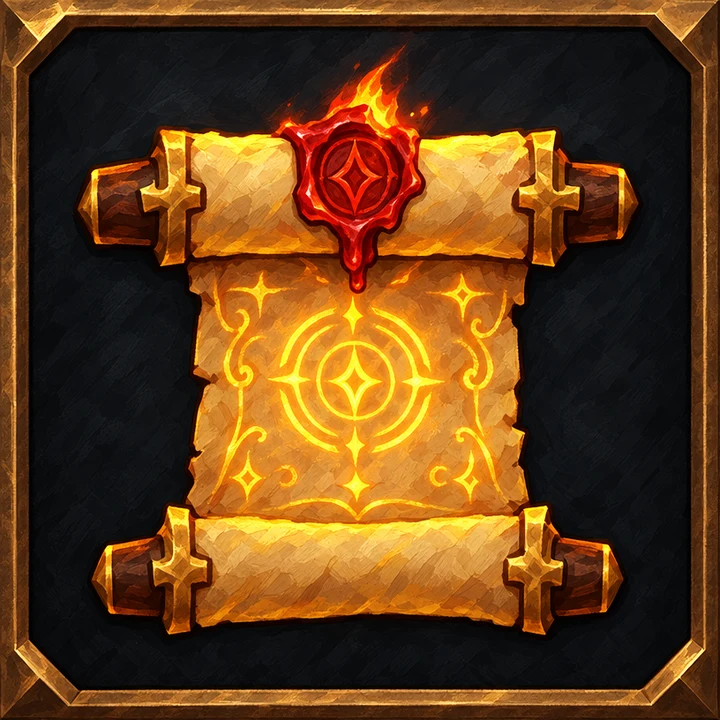
Sealed spell scroll · Painterly · 32×32 sketch · GPT Image 2.5 Flare · 23 s
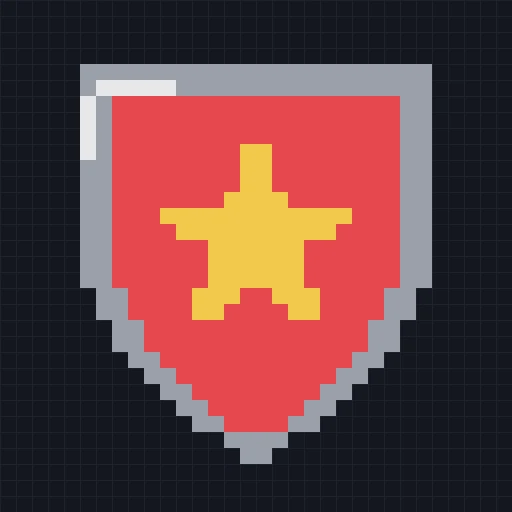
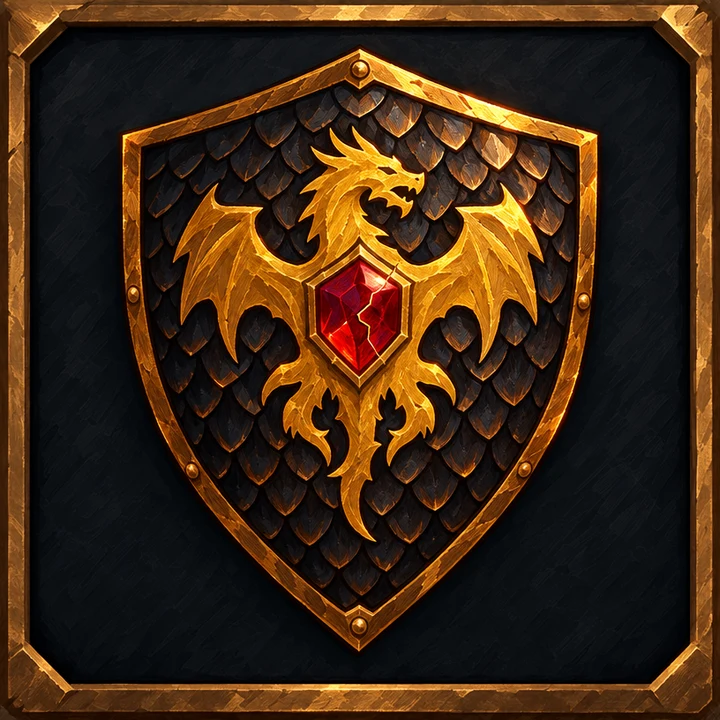
Dragon-scale shield · Painterly · 32×32 sketch · GPT Image 2.5 Flare · 28 s
Every picture on this page was made for it: a starter template's sketch, one line of description and an art style, then the same finishing steps as your own results. Nothing was retouched.
After you generate
A built-in image editor
Open any result under “Edit assets”: layers with blend modes; rectangle, ellipse, lasso and magic-wand selections; levels, hue and temperature; filters, clone, text and a history panel. Saving adds a new version and the original stays. Layers, selections, clone, text and history are in the pro mode, which is free.
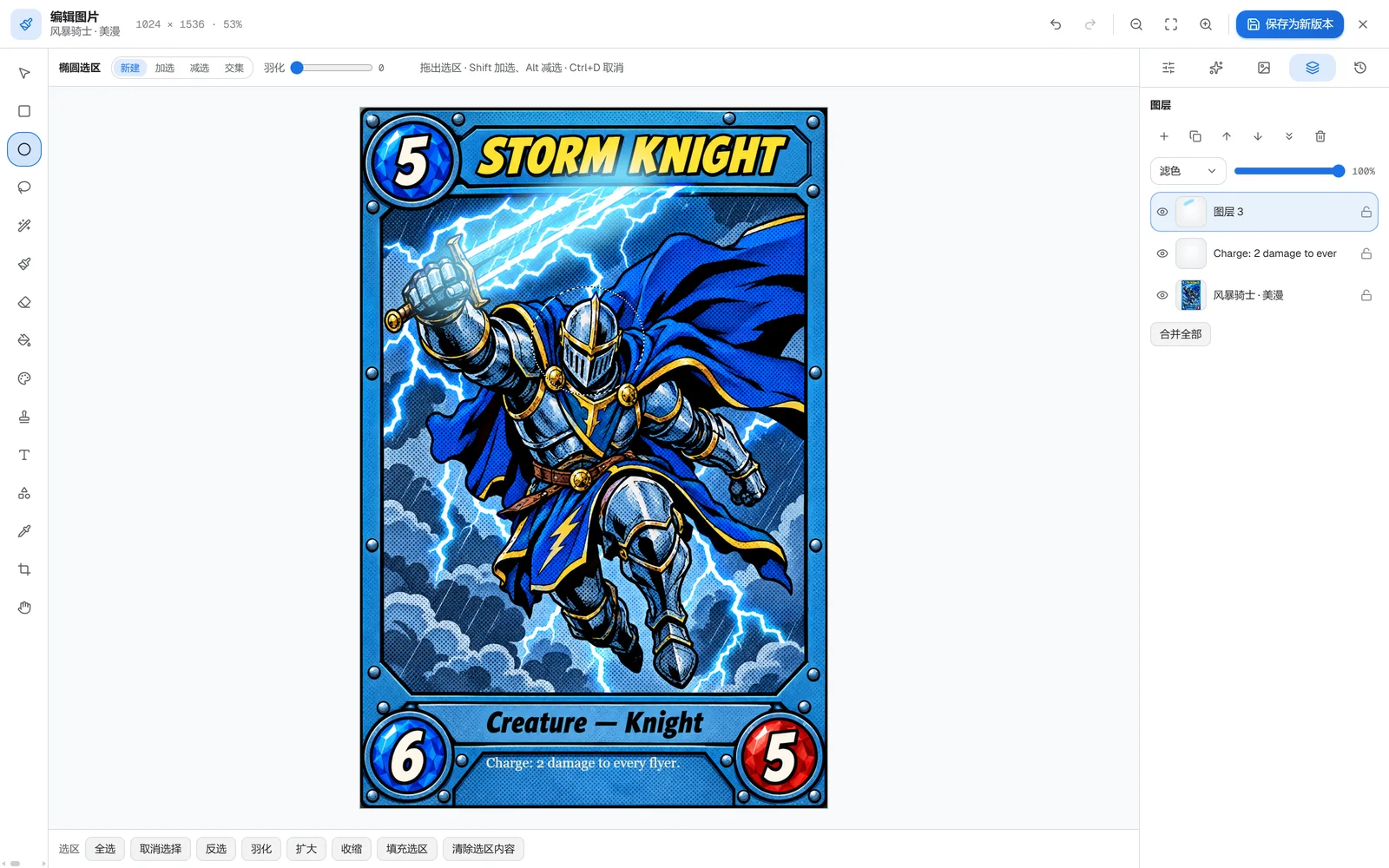
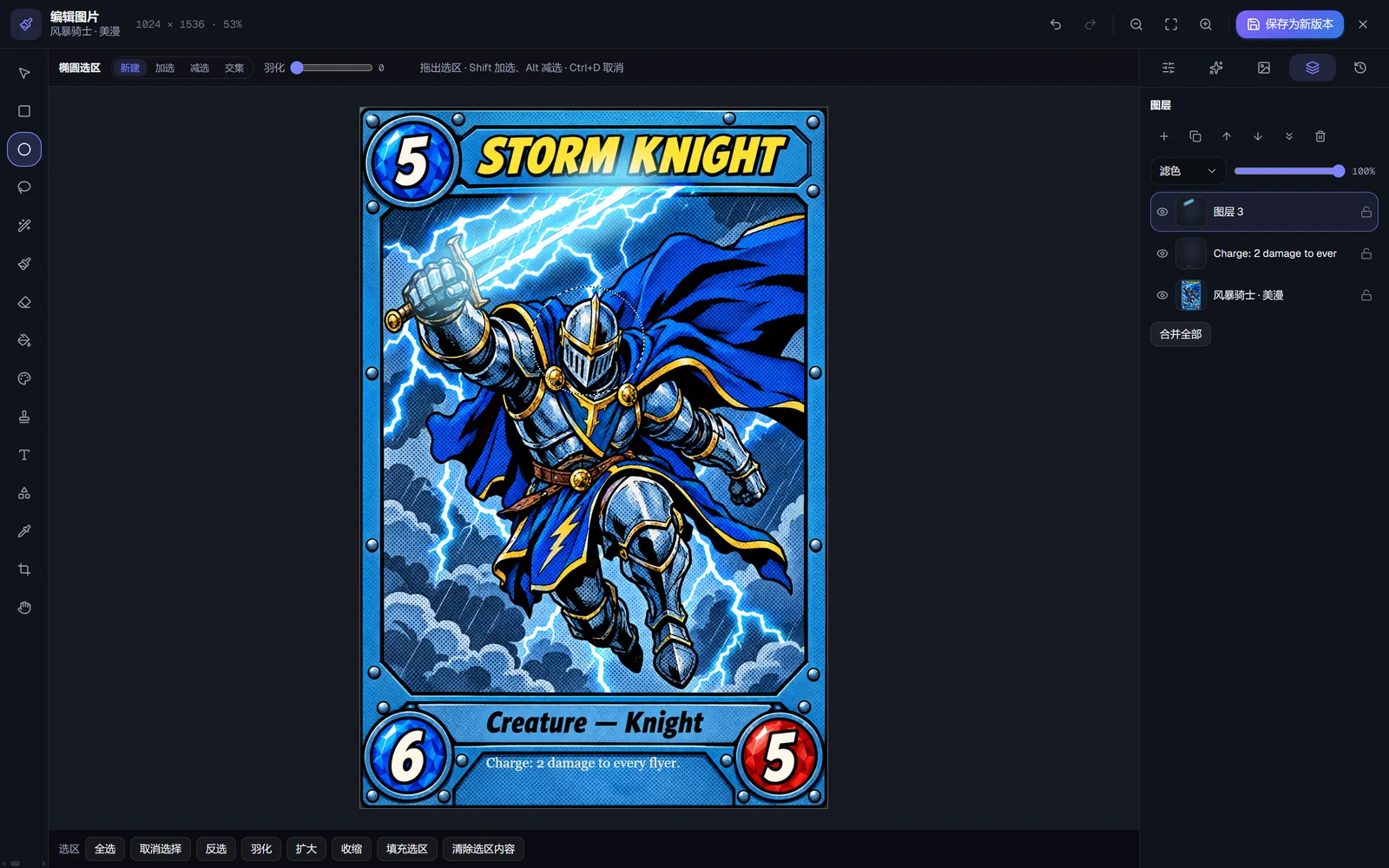
One-click style unification
Put the assets in one project and give it an art style. One click then repaints every 2D result in the project in that style, and runs the project's 3D models through the de-AI pass with it. The AI mode costs 5 credits or more per image, with the total shown before anything runs; the free offline mode evens out palette and outlines only.
How to make one
- 1Create an “Item icon”. The grid starts at 16×16, which is plenty for a potion or a key; switch to 32 when you need more room.
- 2Block in the silhouette and the colours. The model keeps the angle you drew, so a sword drawn diagonally stays diagonal.
- 3Choose flat, painted, glossy or pixel. Keep the transparent background for a bare icon, or switch it off and describe the slot or frame you want, as the samples here do. One run can make up to four versions.
What you get
- Sketch grid
- 16, 32 or 64 cells a side (starts at 16)
- Output
- PNG, about 800 px square (256 / 512 / 1024 settings)
- Background
- Transparent by default, can be switched off
- Icon style
- Flat · Painted · Glossy · Pixel
- Art styles
- Pixel art · Minecraft blocky · Rounded / chibi · Cartoon · American comic · Rubber hose · Painterly · Realistic · Flat · Low poly
- Price
- 4 credits per image with GPT Image 2.5 Flare (about $0.11); models that follow the sketch start at 1
- Time
- 23–28 s per image in the runs on this page
Good to know
- Files come out large, around 800 px a side even at the 256 and 512 settings, because the image models have a minimum size. Scale them down to your inventory size and check them there: thin details are the first to go.
- The workspace shows each result at 128, 64, 48, 32 and 24 px, so you can see whether it still reads before you download it.
- One item per image. For a set that matches, keep the style the same and repeat the material words (gold, iron, glass) in every description, or give the project an art style.
Questions
Can I turn the background off?
The transparent background is on by default. Switch it off and the model paints a backdrop, such as an inventory slot or a card frame; the samples on this page were made that way.
Can it do a whole icon set in one go?
Not in one image. Each icon is its own sketch; a project with an art style keeps them consistent.
Can I use the results in a commercial game?
Yes. Our terms hand over whatever rights we hold in what you generate. Each image model also has terms of its own, so look at the one you picked, and a result that looks like an existing character or logo is still that character or logo.
Does the file say it was made with AI?
Yes, in a machine-readable tag in the file's metadata. The picture itself isn't touched.
Other 2D assets
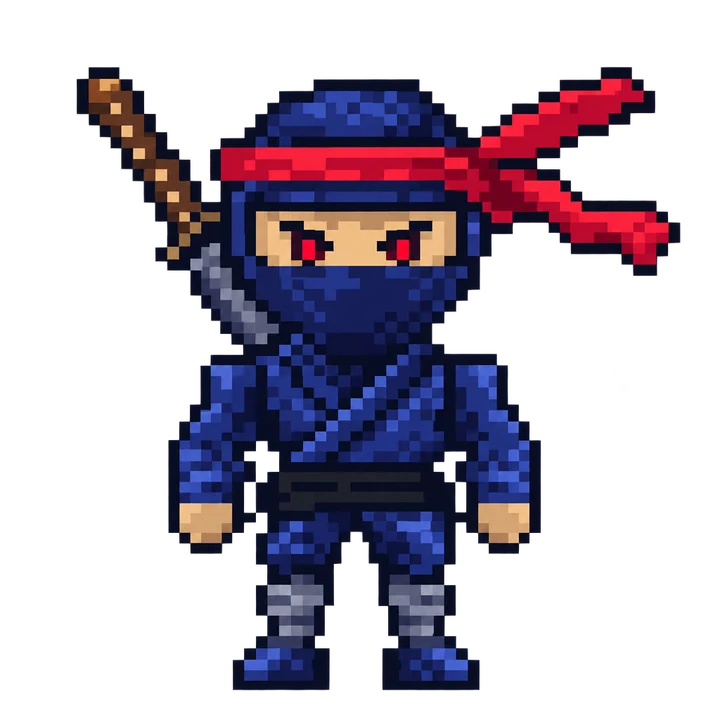
Characters and creatures, on a transparent background.
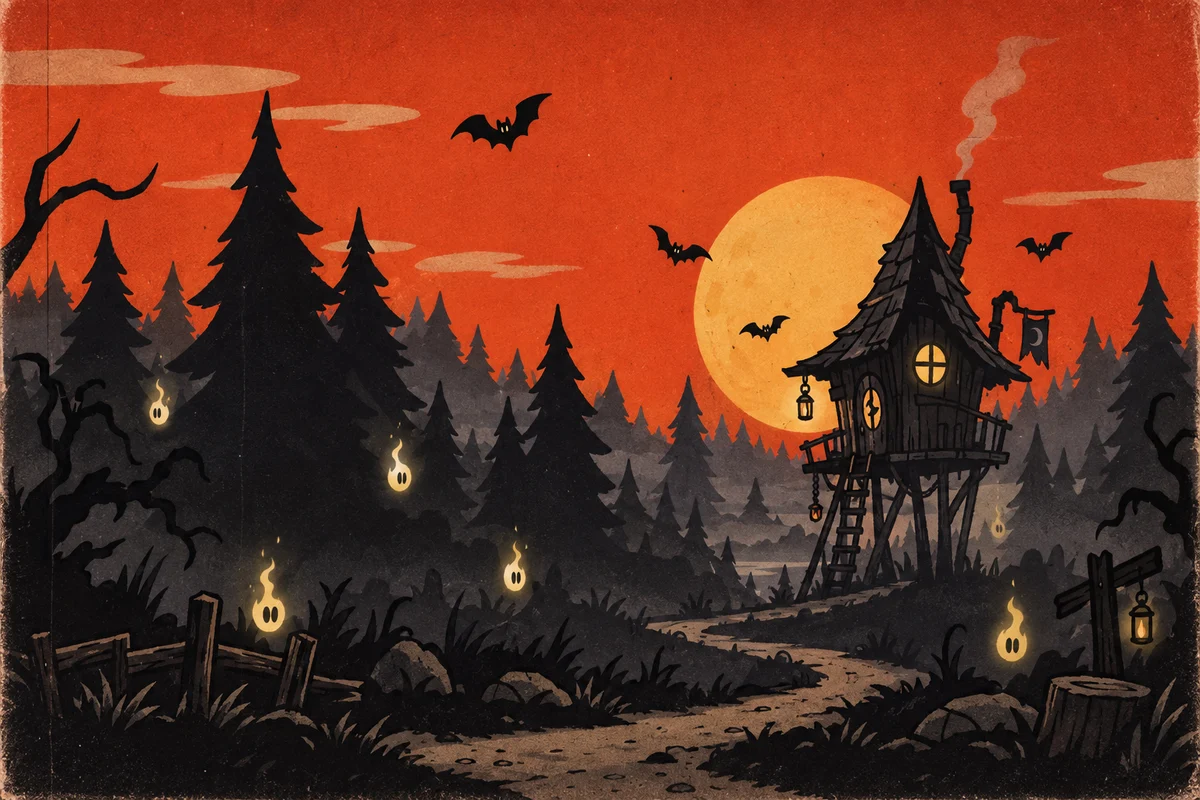
Level backdrops and scenery, in the layout you block in.
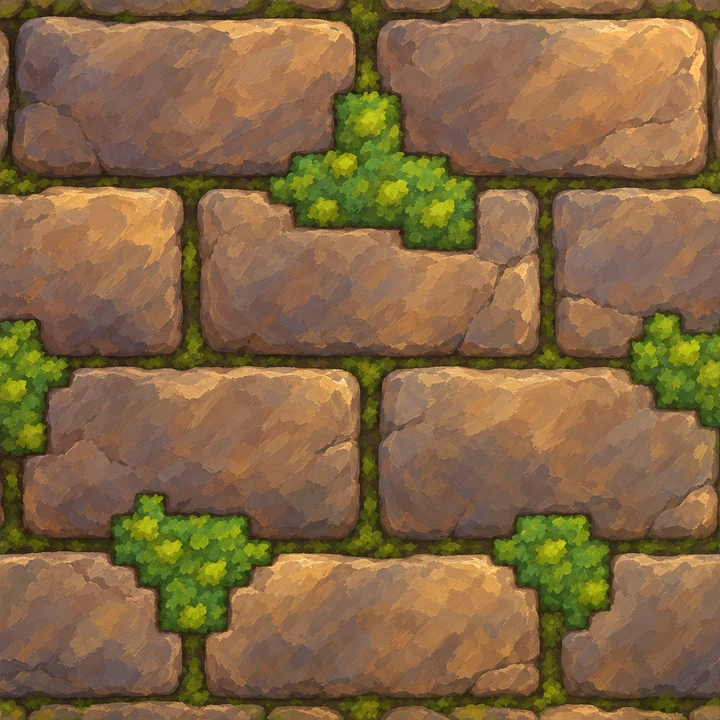
Stone, wood, brick, grass and more, made to repeat.
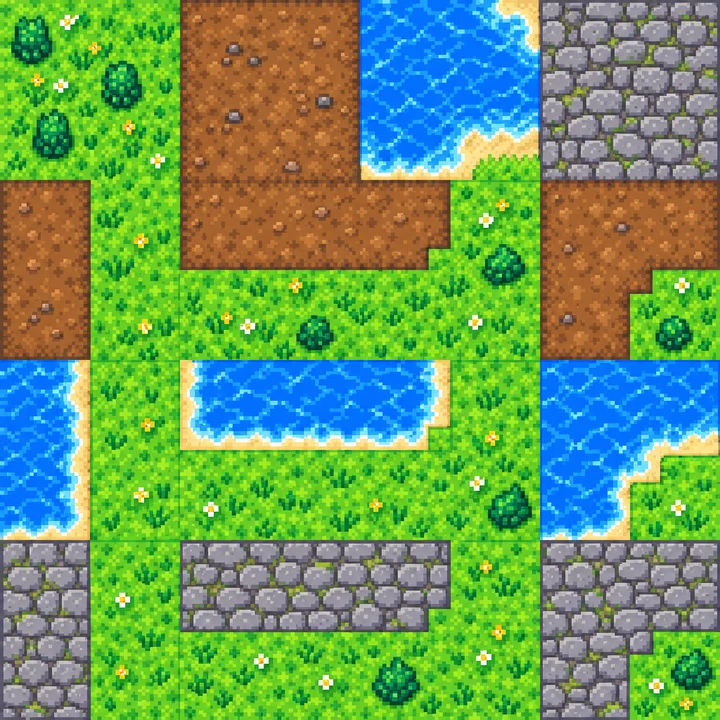
Terrain tiles on a regular grid, top-down, side-view or isometric.
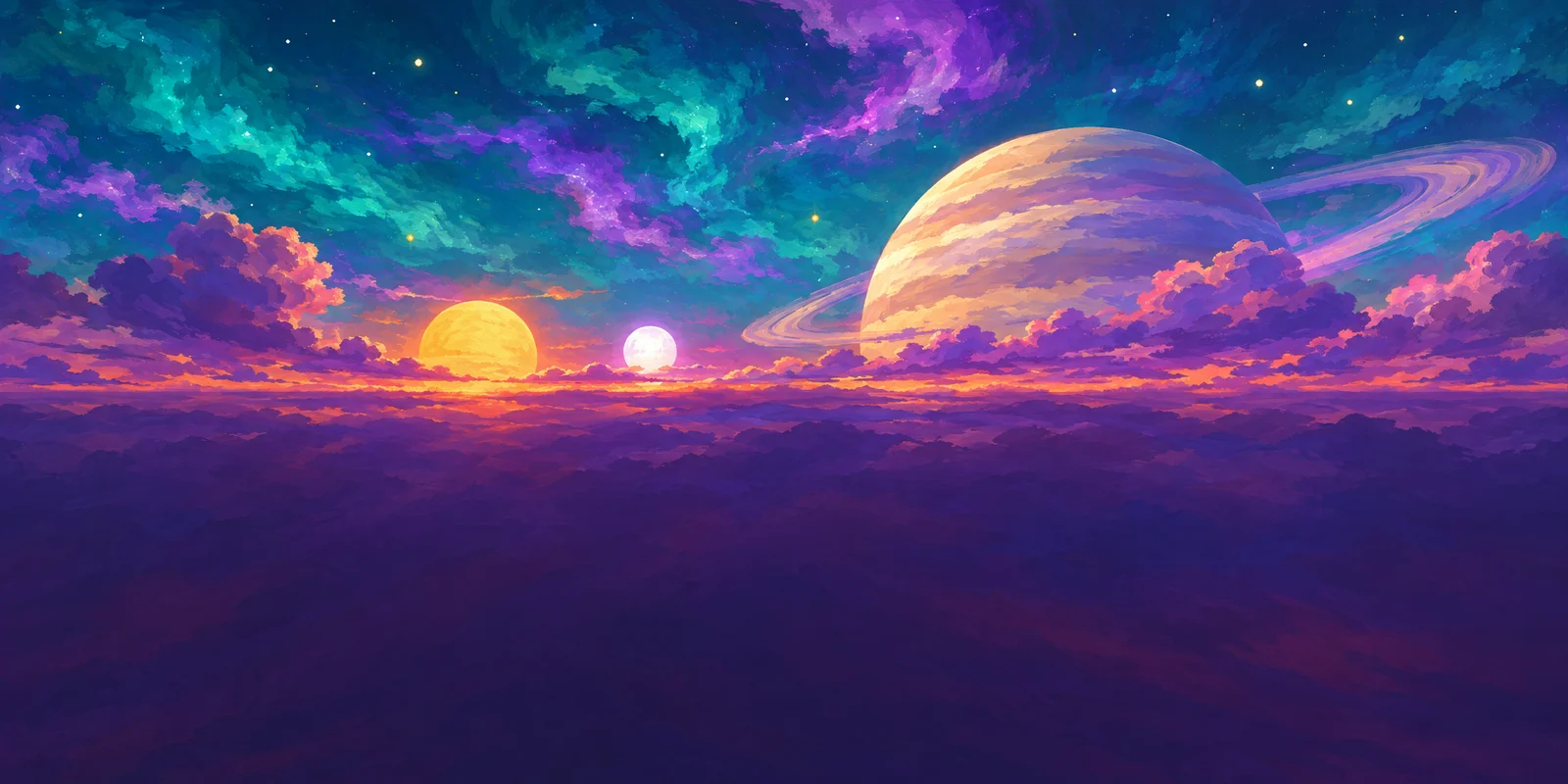
360° skies at 2:1, with edges that meet.
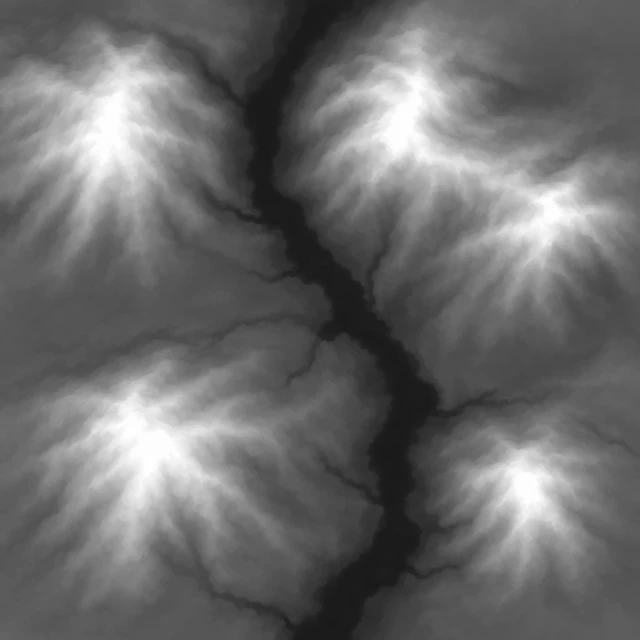
Grayscale terrain in one 16-bit channel.
Try it on your own sketch
New accounts get 15 free credits. No card needed.