Head-to-head · same block-out
Hunyuan3D 3.1 Pro vs Tripo P1
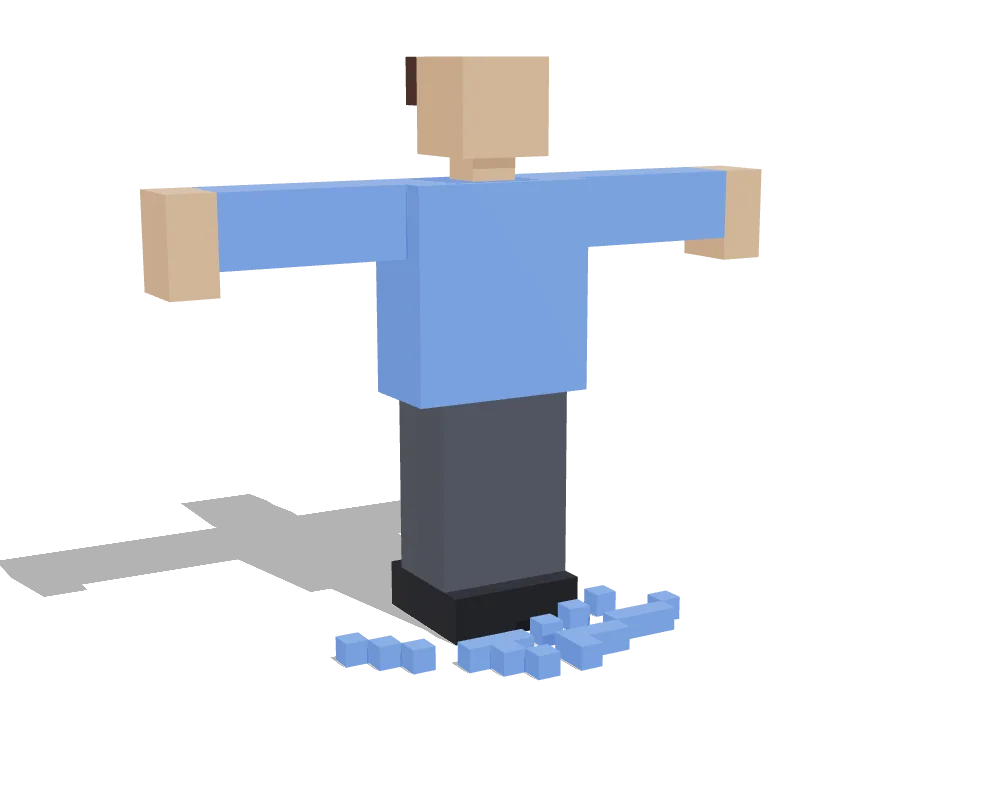
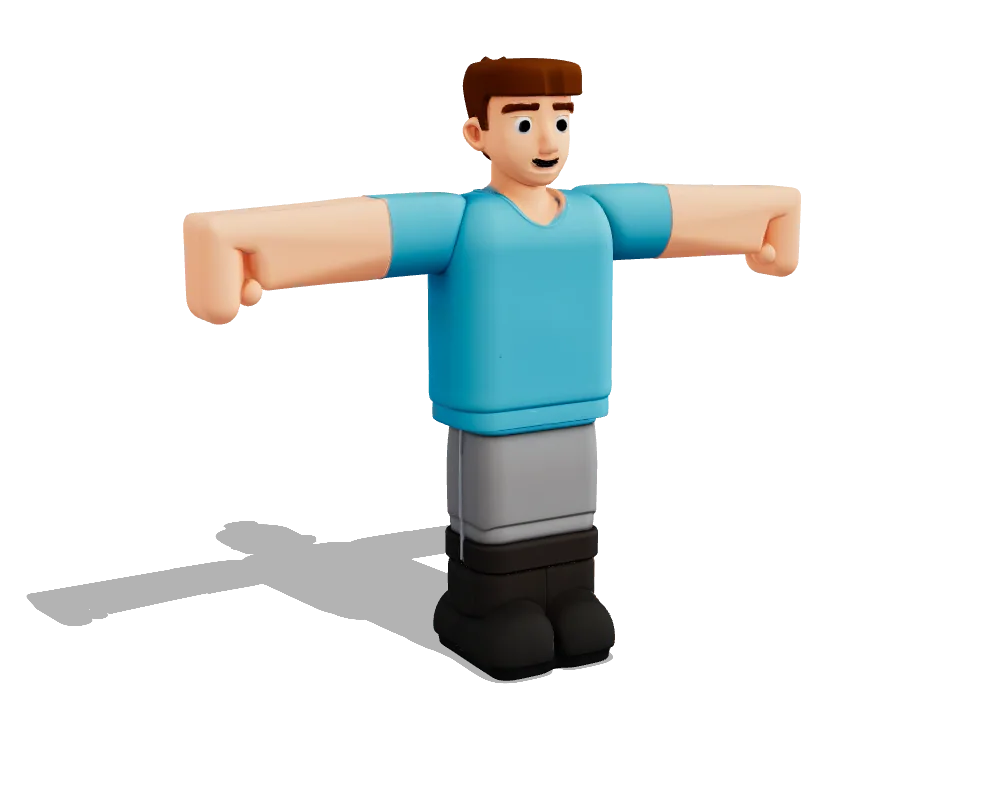
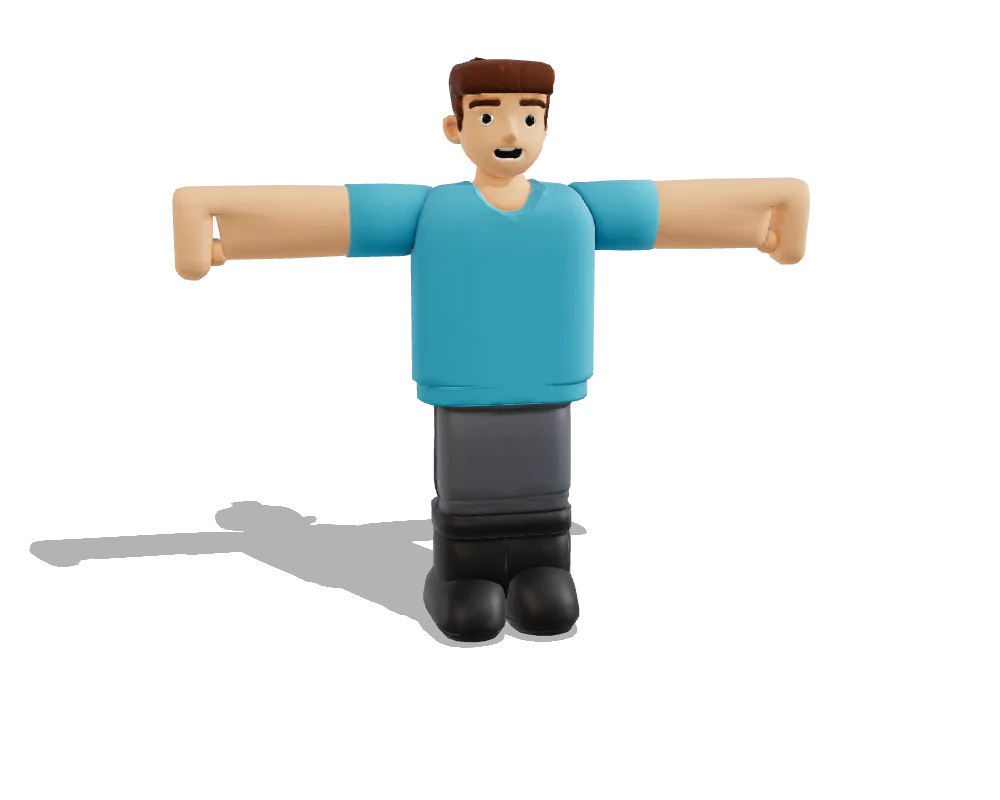
Both engines got the same blocks in the same art style, at their default settings. Here is what each one returned, measured from the files themselves.
At a glance
| Hunyuan3D 3.1 Pro | Tripo P1 | |
|---|---|---|
| Maker | Tencent Hunyuan | VAST (Tripo AI) |
| Takes | 4 labelled views | 4 labelled views |
| Formats it returns | GLB | GLB · OBJ · FBX |
| Texture maps | Base colour only (4K) | Base colour · Normal · Roughness-metal (2K) |
| Rigs characters itself | No | No |
| Open weights | No | No |
| Run through | fal.ai | Tripo API |
| In Vox Land | Tier 14 · from 58 credits | Pick it in the pro workspace |
Test: T-posed character
839 blocks, cartoon style: a young man in a blue T-shirt, dark grey trousers and black boots. The T-pose shows whether an engine textures both arms.
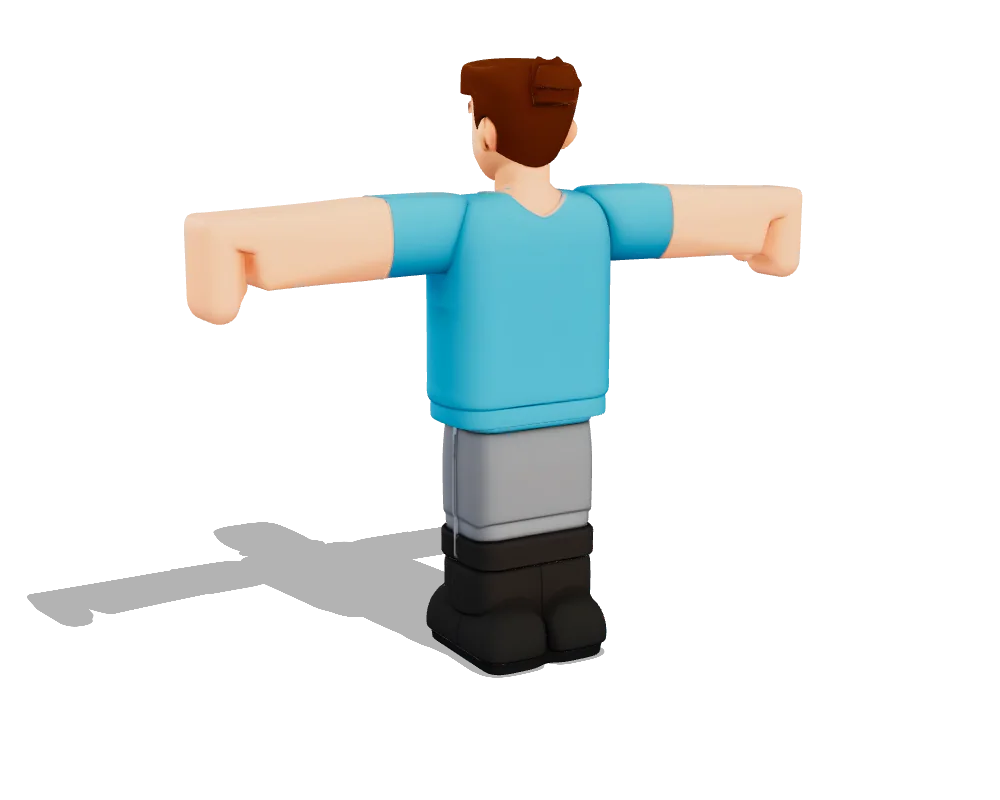
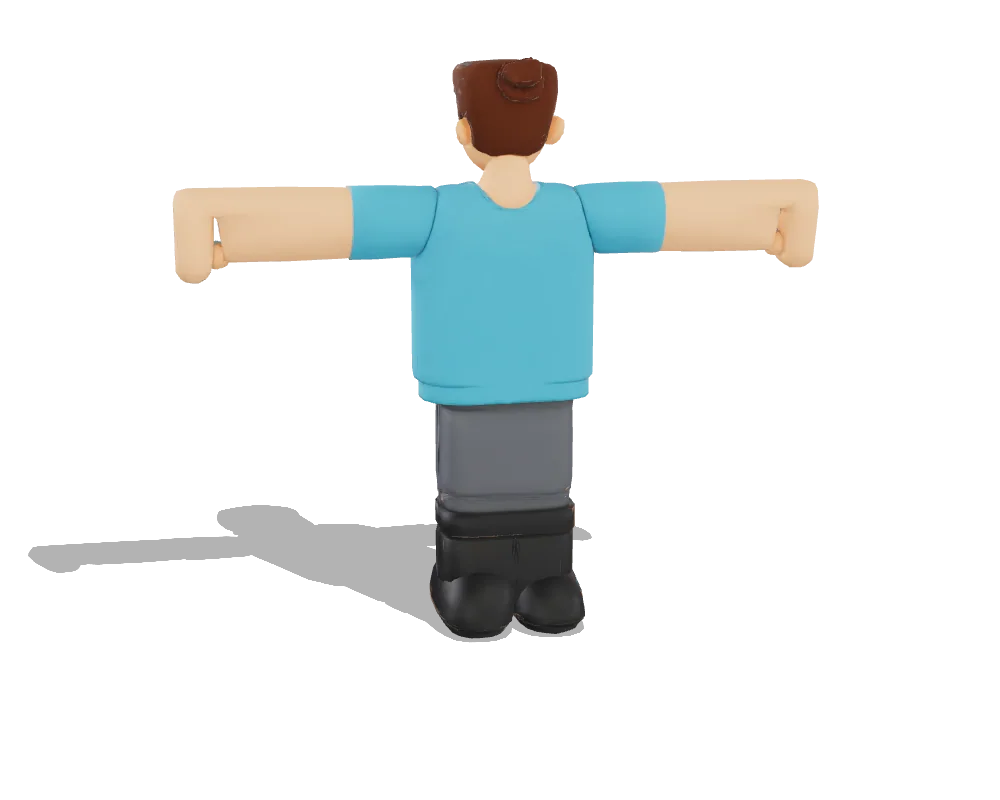
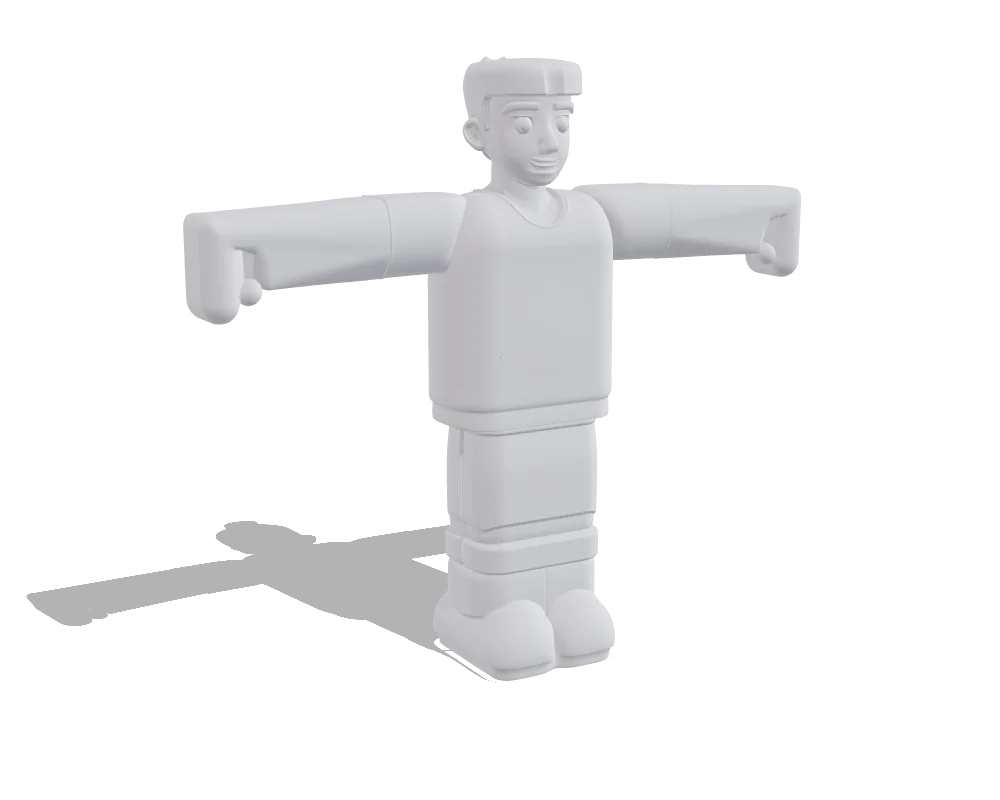
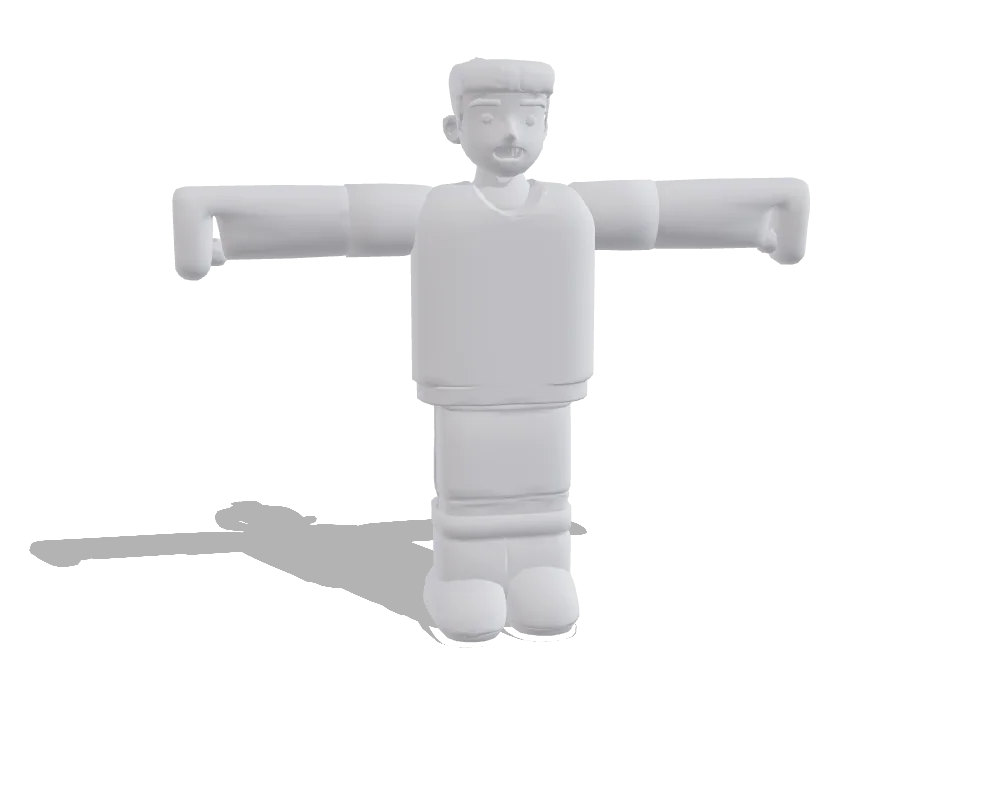
| Hunyuan3D 3.1 Pro | Tripo P1 | |
|---|---|---|
| Triangles | 499,964 | 17,988 |
| File size | 29.2 MB | 3.1 MB |
| Texture maps | Base colour only (4K) | Base colour · Normal · Roughness-metal (2K) |
| Outline match | 73% front 85% · side 69% · top 63% | 62% front 90% · side 66% · top 31% |
| Job time | 157 s | 112 s |
| Art style | Cartoon | Cartoon |
| Settings | defaults | defaults |
| Generated | Sep 23, 2026 | Sep 23, 2026 |
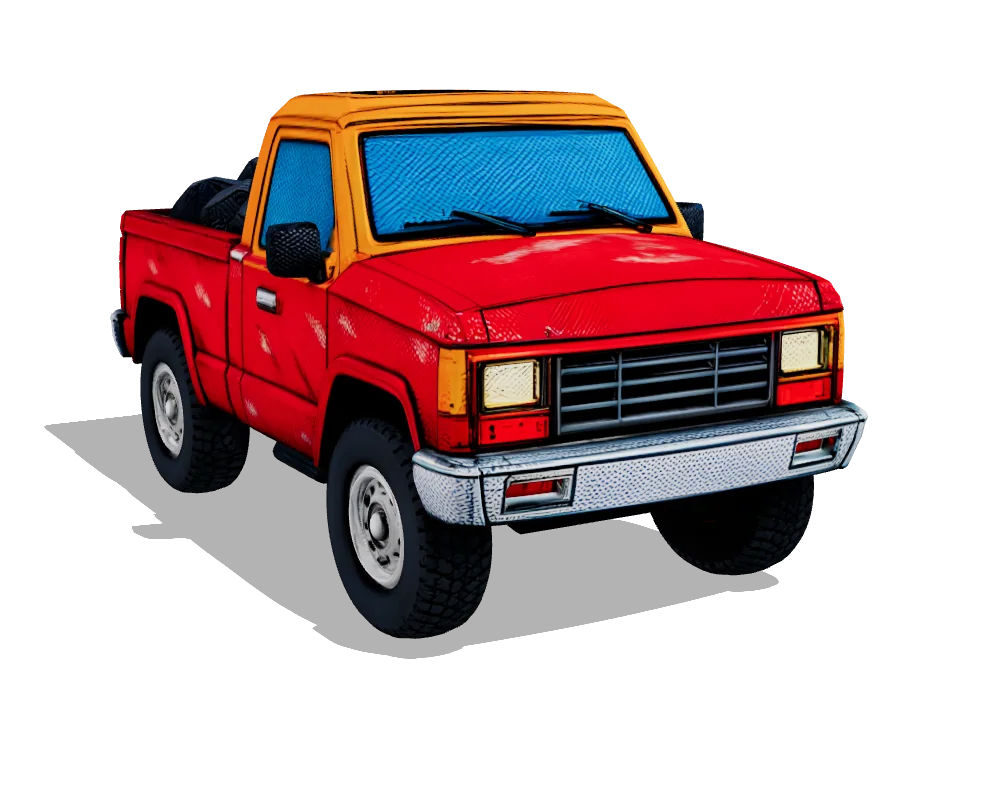
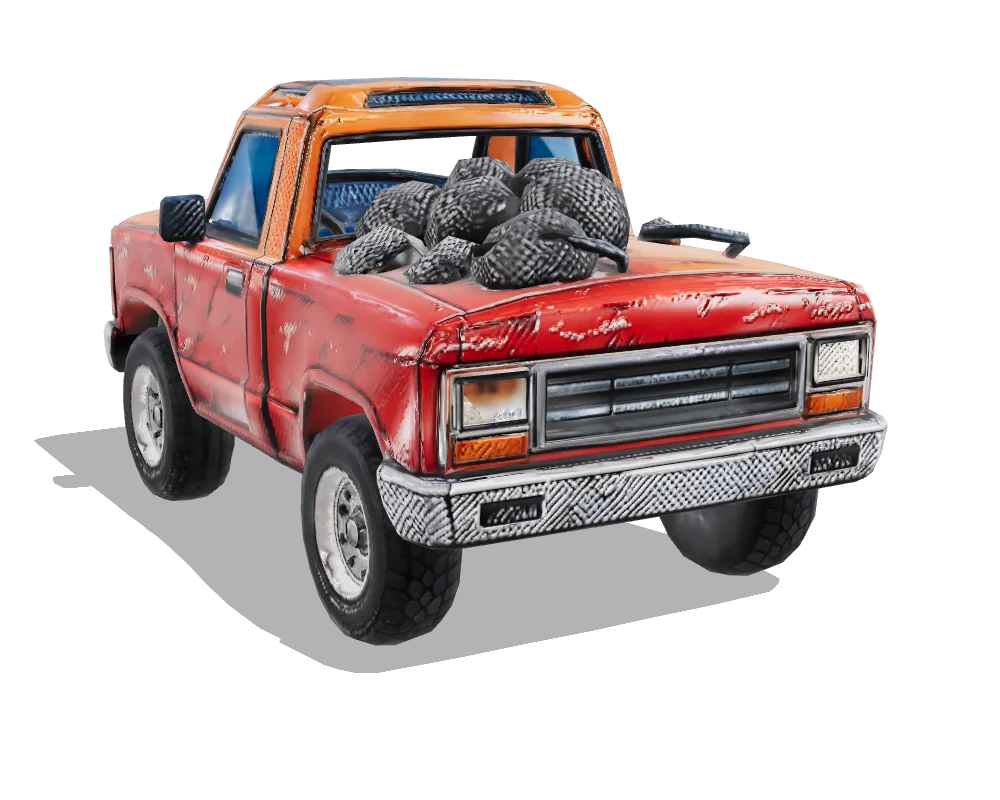
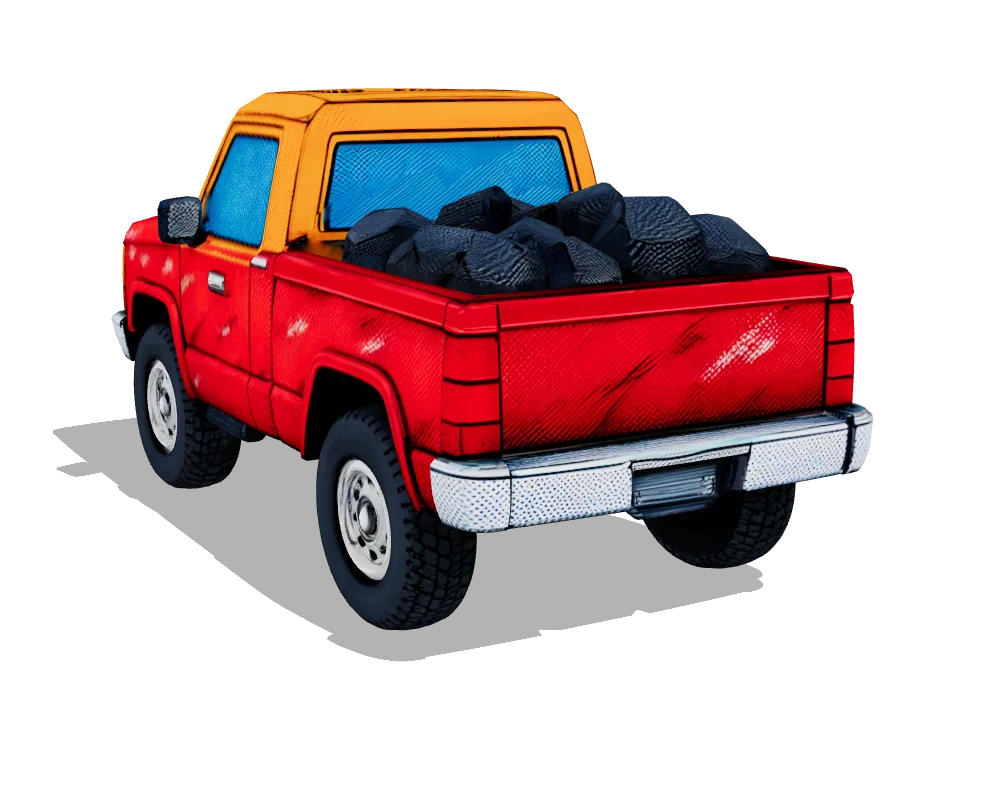
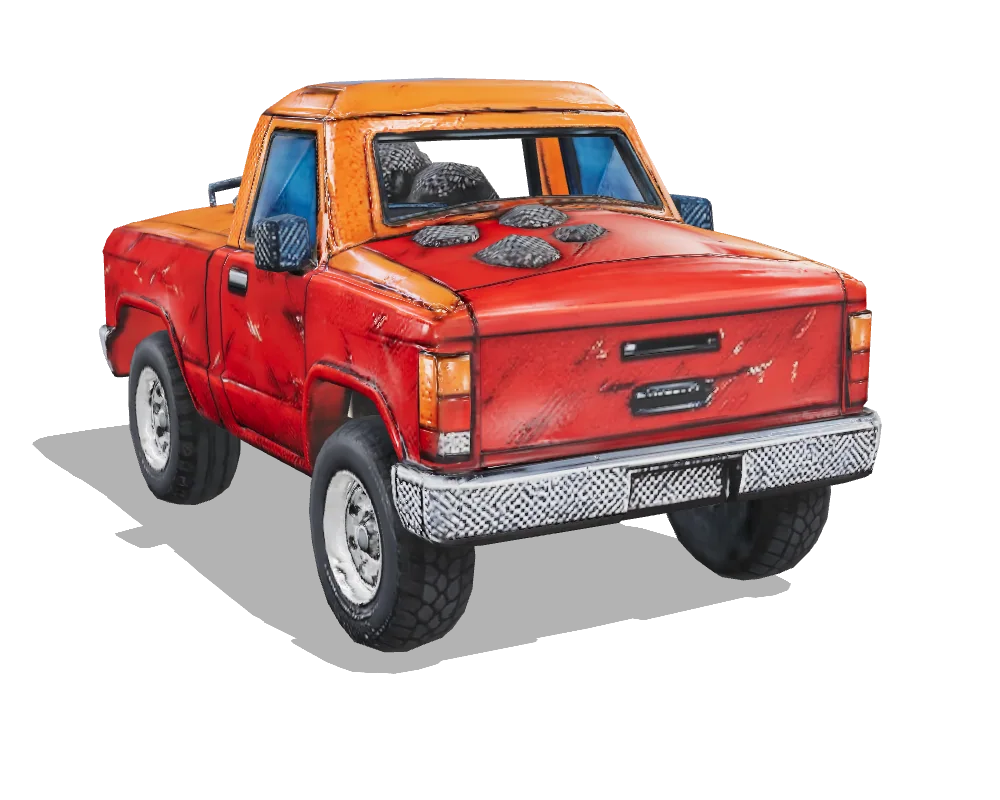
Test: Pickup truck
1,896 blocks, comic style: a chunky stylised pickup. The test for hard surfaces, flat panels and wheels.
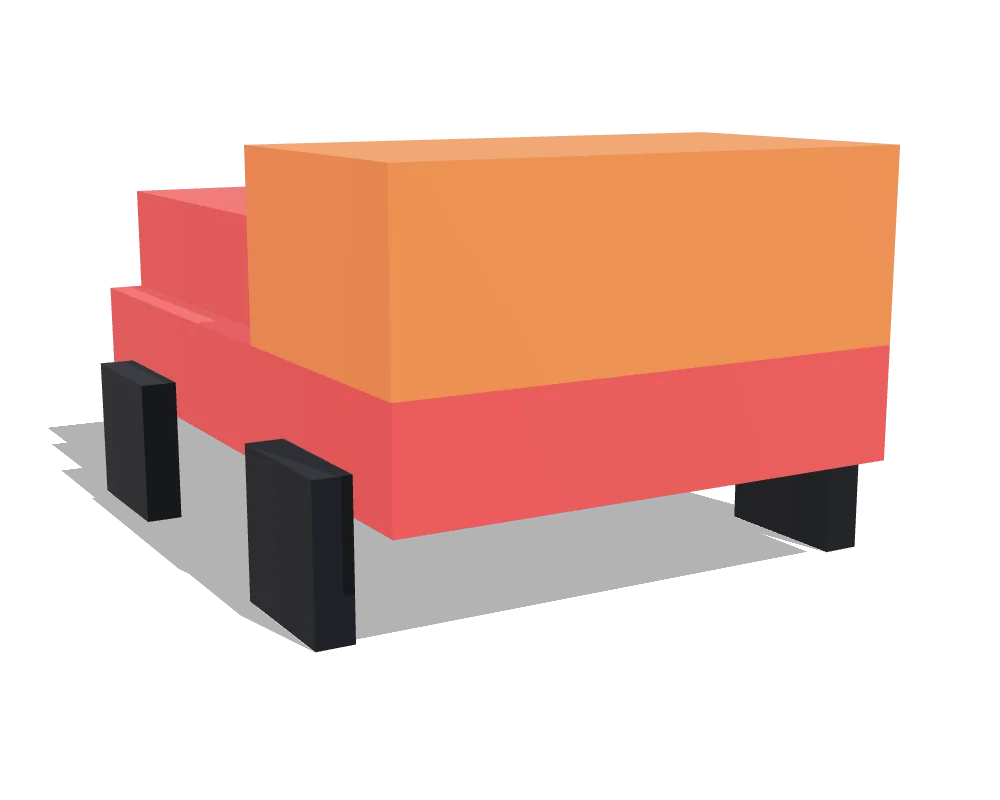
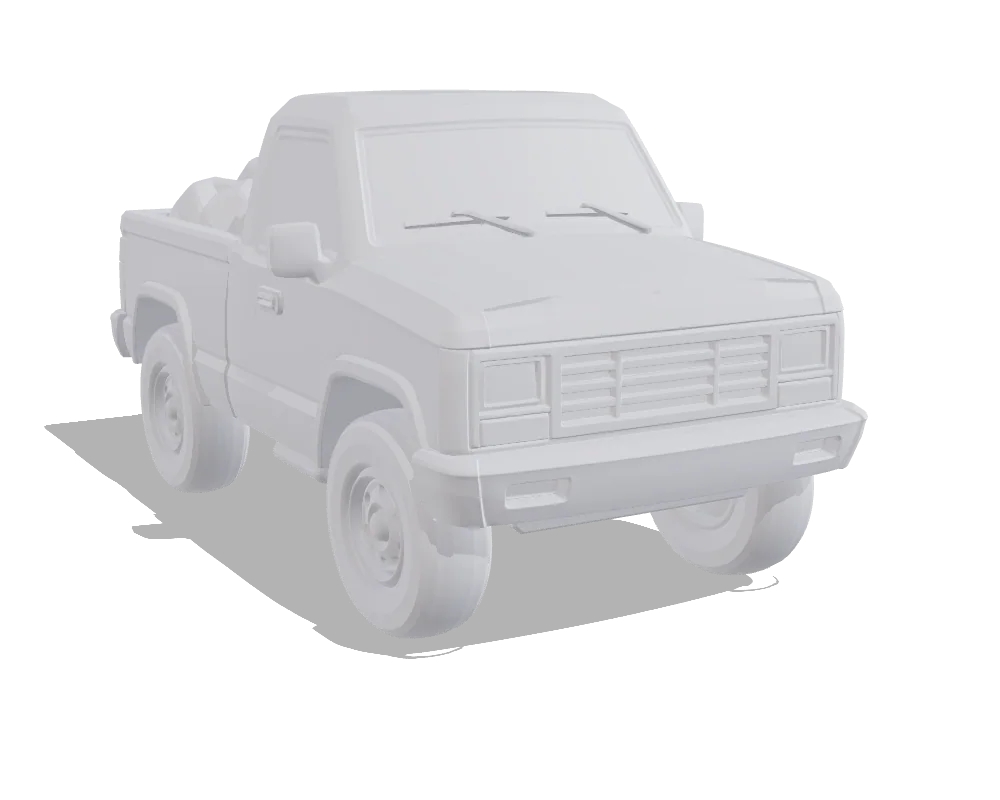
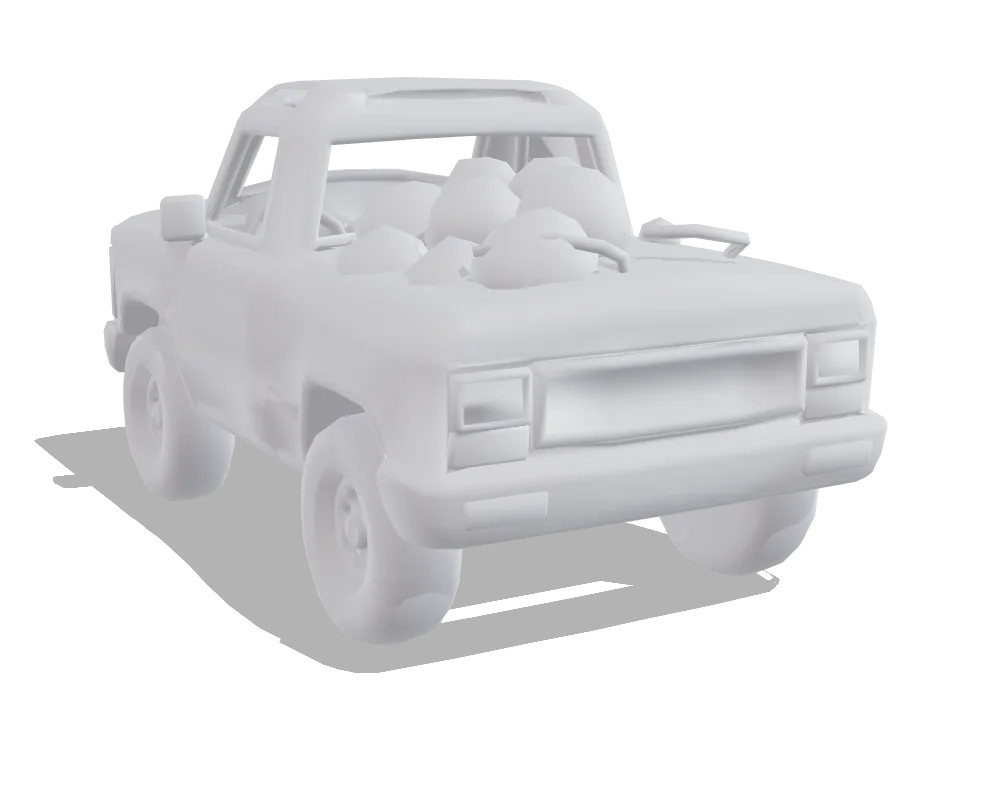
| Hunyuan3D 3.1 Pro | Tripo P1 | |
|---|---|---|
| Triangles | 500,000 | 20,066 |
| File size | 36.6 MB | 4.7 MB |
| Texture maps | Base colour only (4K) | Base colour · Normal · Roughness-metal (2K) |
| Outline match | 57% front 43% · side 67% · top 61% | 66% front 52% · side 75% · top 70% |
| Job time | 594 s | 133 s |
| Art style | Comic | Comic |
| Settings | defaults | defaults |
| Generated | Sep 23, 2026 | Sep 23, 2026 |
Test: Castle gate
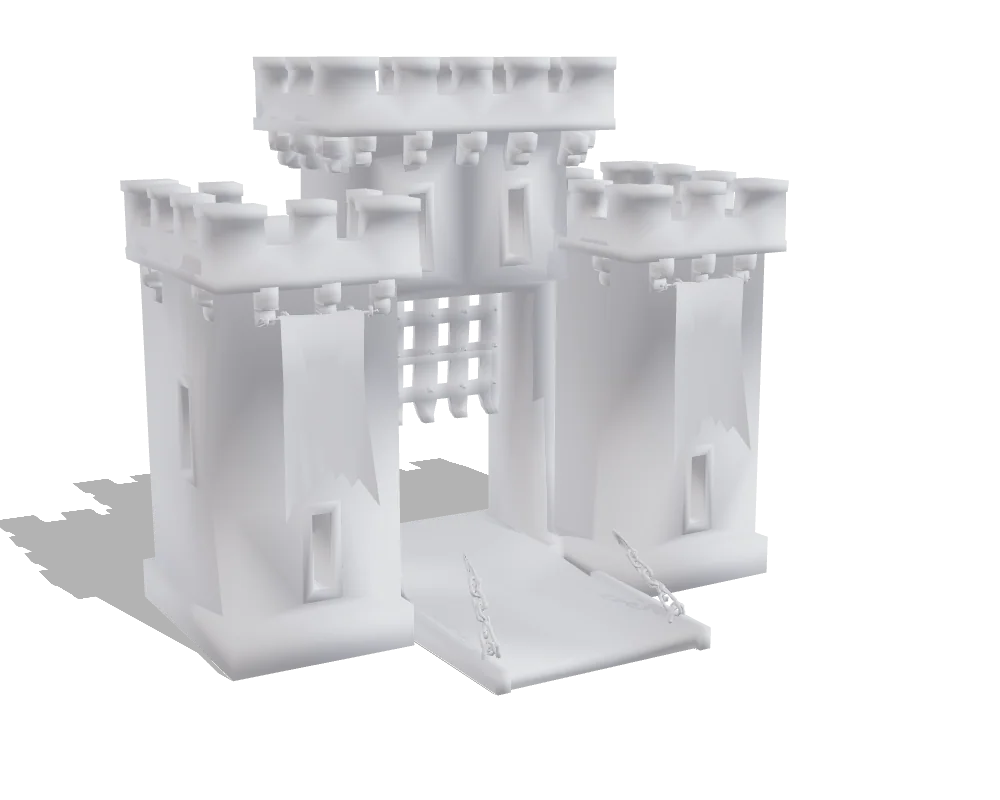
4,518 blocks, realistic style: a stone gatehouse with two towers, battlements, a portcullis, banners and a drawbridge on chains. The test for a large building with thin parts and repeated detail.
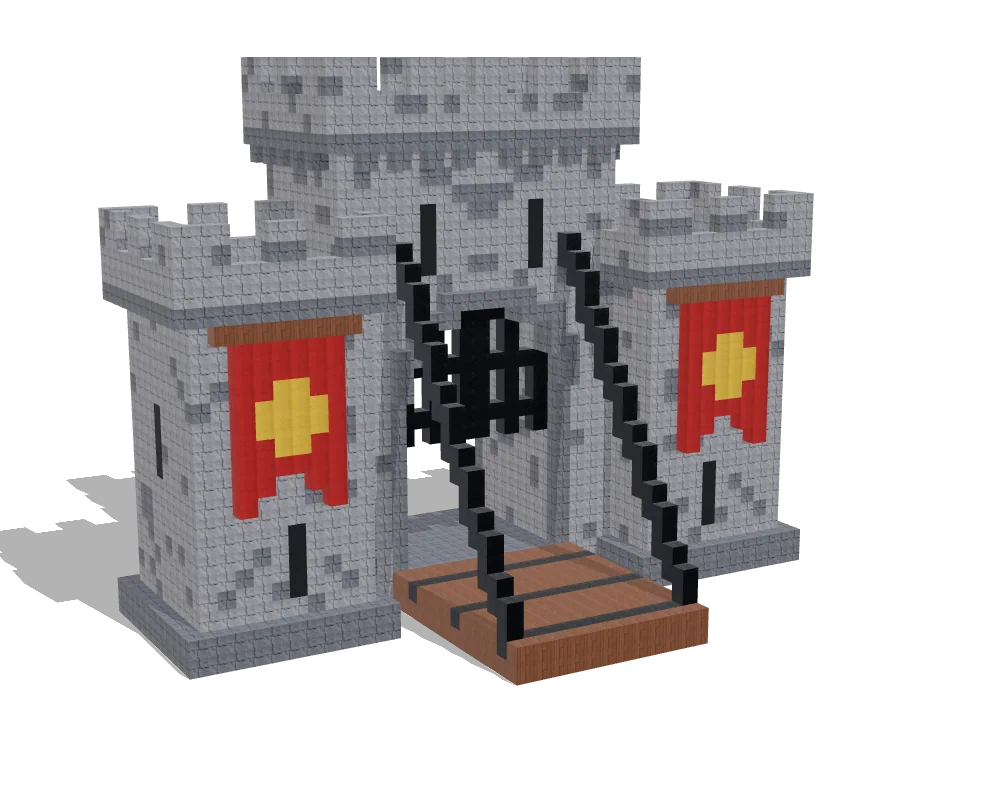
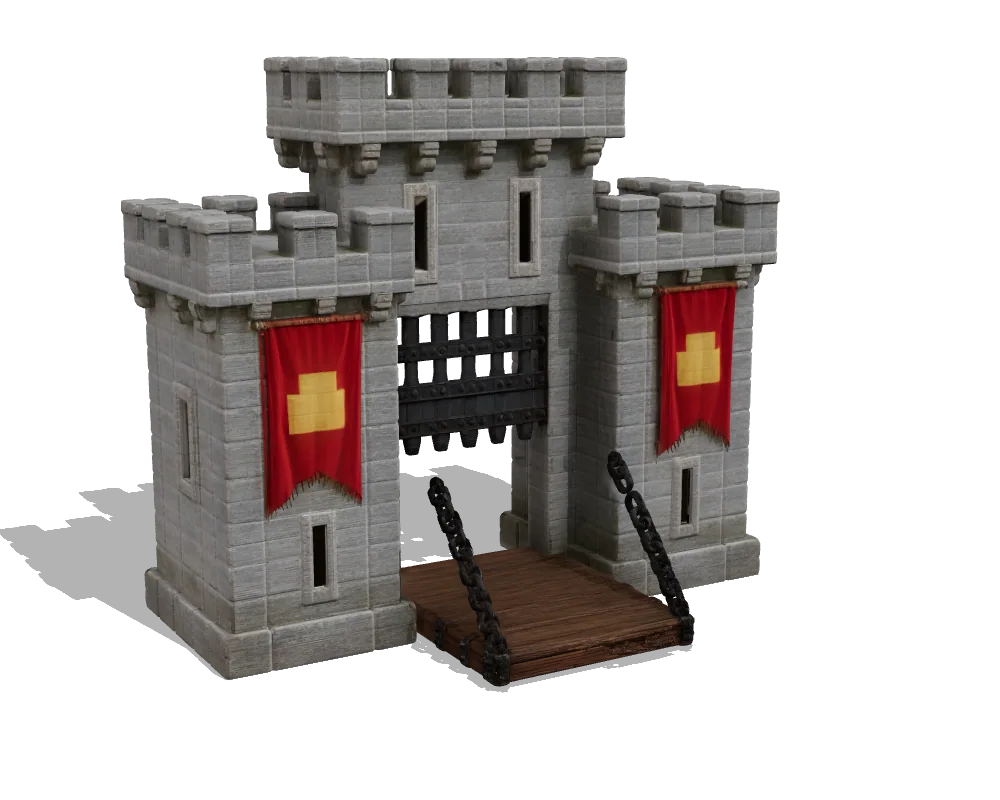
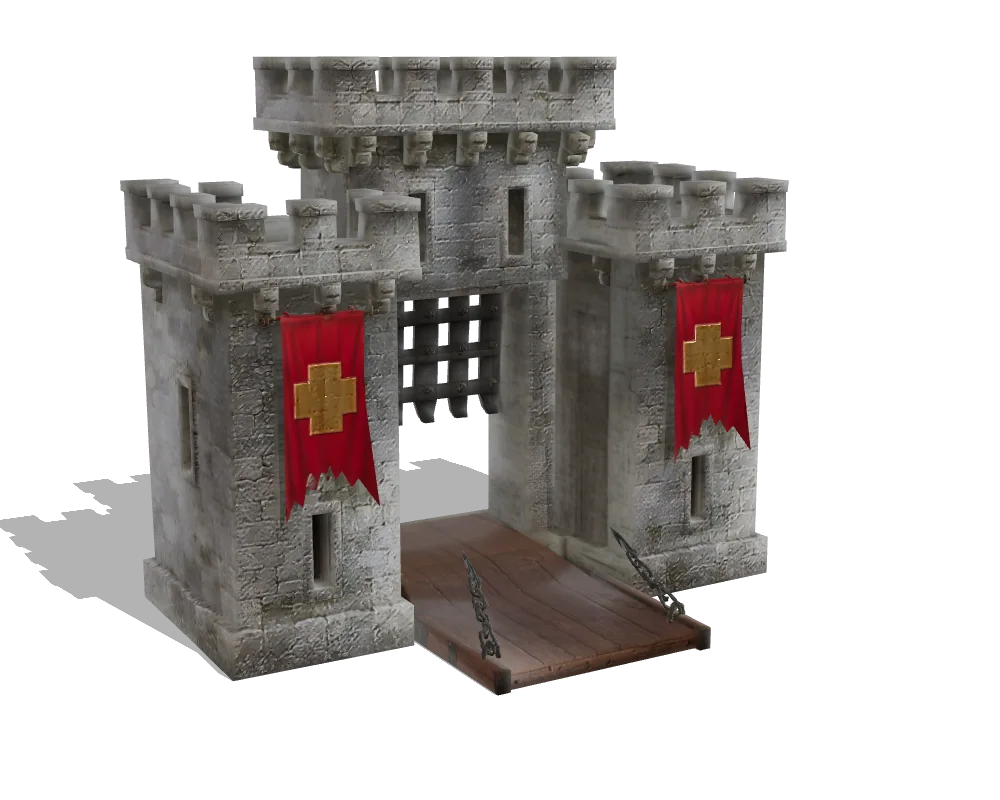
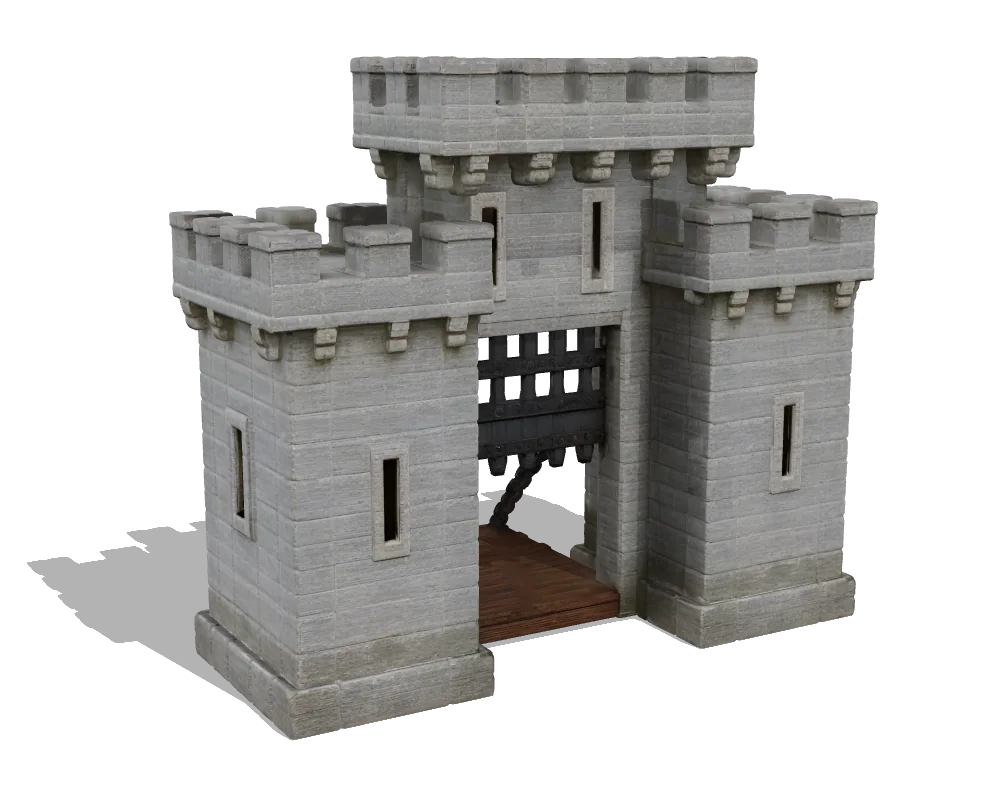
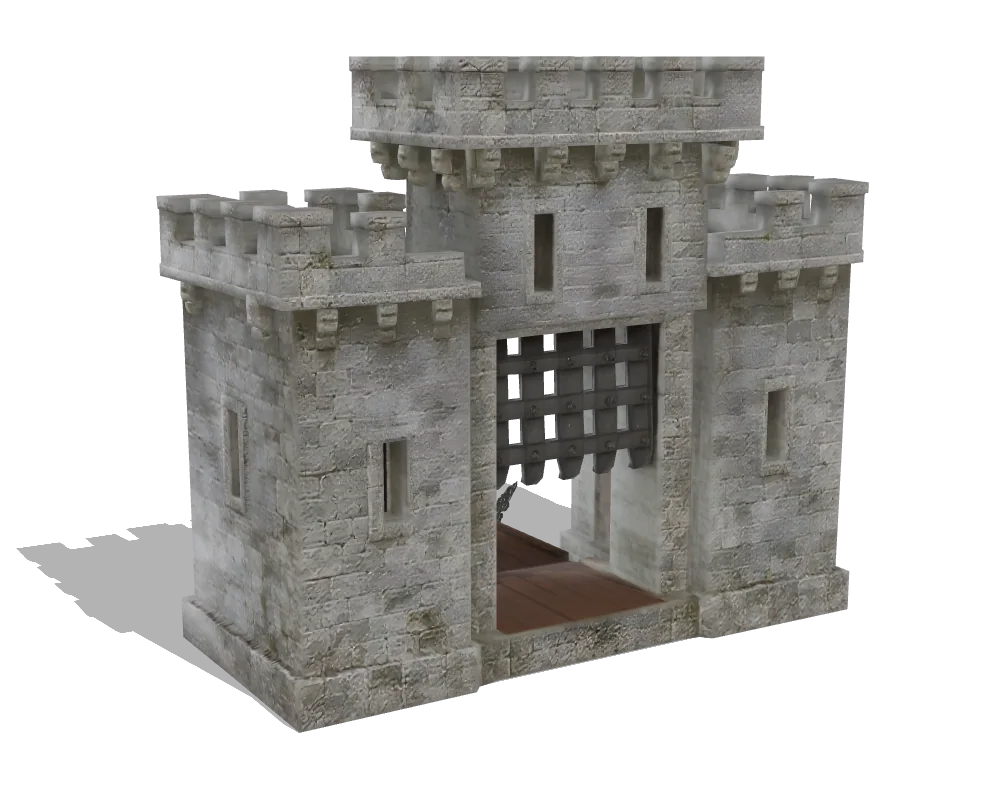
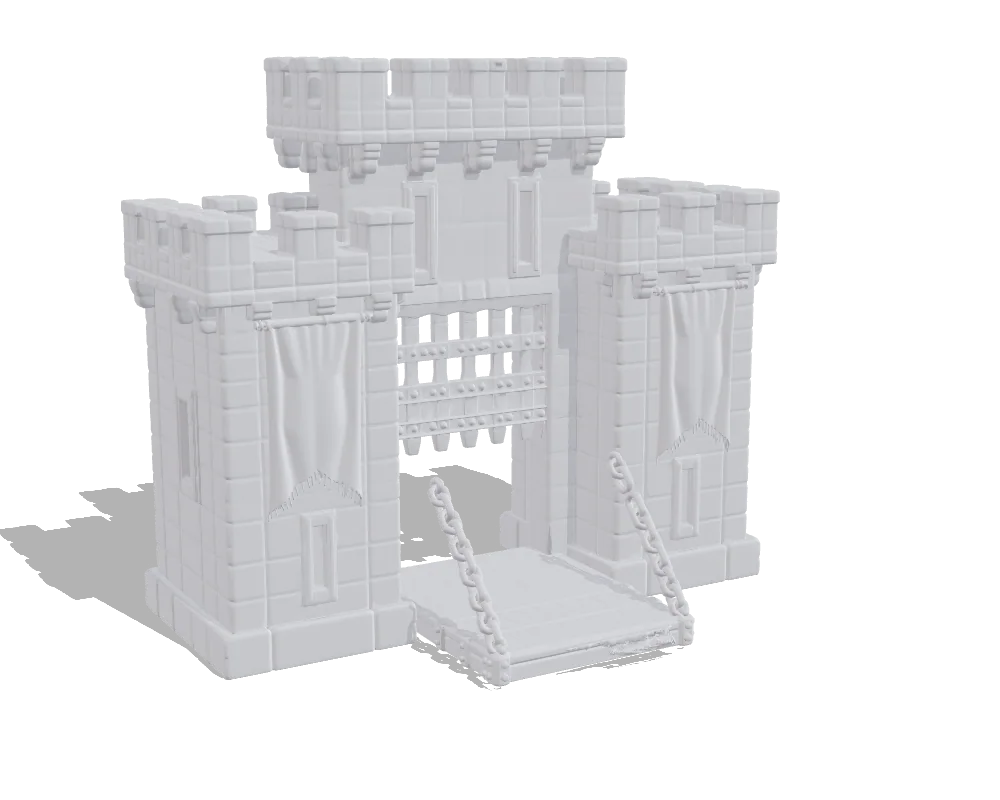
| Hunyuan3D 3.1 Pro | Tripo P1 | |
|---|---|---|
| Triangles | 476,598 | 17,347 |
| File size | 39.8 MB | 5.7 MB |
| Texture maps | Base colour only (4K) | Base colour · Normal · Roughness-metal (2K) |
| Outline match | 80% front 79% · side 78% · top 83% | 76% front 77% · side 74% · top 77% |
| Job time | 533 s | 121 s |
| Art style | Realistic | Realistic |
| Settings | defaults | defaults |
| Generated | Sep 23, 2026 | Sep 23, 2026 |
Which one to pick
Pick Hunyuan3D 3.1 Pro for showpiece detail when file size does not matter.
- more geometry (499,964 vs 17,988 triangles)
- can also build from a text prompt alone
Pick Tripo P1 for low-poly game assets where a light mesh matters more than fine detail.
- 9.4× lighter files in our test (3.1 MB vs 29.2 MB)
- fewer triangles (17,988 vs 499,964): less to decimate
- quicker job (112 s vs 157 s)
- normal and roughness-metal maps included
- returns OBJ / FBX itself
Quick answers
- Which gives smaller files, Hunyuan3D 3.1 Pro or Tripo P1?
- Tripo P1: 3.1 MB against 29.2 MB on the T-posed character (17,988 vs 499,964 triangles).
- Which follows the input shape more closely?
- Hunyuan3D 3.1 Pro kept more of the block-out's outline on the T-posed character: 73% overlap against 62%.
- Do they give PBR texture maps?
- Tripo P1 returned base colour, normal and roughness-metal maps; Hunyuan3D 3.1 Pro returned base colour only.
- Which one is faster?
- In our run on the T-posed character, the Tripo P1 job took 112 s and the Hunyuan3D 3.1 Pro job 157 s, both from the same finished views. One run each: treat it as a rough guide.
- Can I get OBJ or FBX?
- Tripo P1 returns OBJ / FBX itself; Hunyuan3D 3.1 Pro returns GLB only. In Vox Land, every model can also be exported as OBJ from the GLB.
- Can either one rig a character?
- Neither rigs characters itself. In Vox Land, any character can be rigged from the part tags on your blocks, whichever engine made it.
More comparisons
How we test
- 1Same pictures. Within a test, an image model repaints the block views once (the way Vox Land always works), and that one set of views goes to every engine, at its default settings; the table lists any that differ. Engines that take a single picture get one three-quarter view, painted from the same blocks in the same style.
- 2So every difference inside a test comes from the engine, not from the input. The blocks fix the shape and the proportions; the repainted views add the colours and small details every engine then shares.
- 3Numbers are read from the file each engine delivered: triangles, file size, texture maps. Job time is the engine's job in our pipeline (the views were painted beforehand), from a single run.
- 4Outline match: we draw the block-out and the model as flat silhouettes from the front, the side and above, and measure how much they overlap (intersection over union; 100% means identical outlines).
- 5The renders are ours: the same camera, light and orientation for every file.
- 6We make none of these engines. Vox Land sends your blocks to whichever one you pick, so we have no reason to favour one.
Try them on your own blocks
Build a block-out in the browser and send it to any of these engines. New accounts get 15 free credits.
Data updated Sep 23, 2026